


Simple free tool for keyboard remapping
KeyTweak is a lightweight, free app for remapping keys on a keyboard. It’s especially useful for users dealing with broken or inconvenient key layouts. Whether you're adjusting a single key for accessibility or changing keyboard behavior to suit a workflow, KeyTweak provides a straightforward way to customize your input setup on compatible Windows systems.
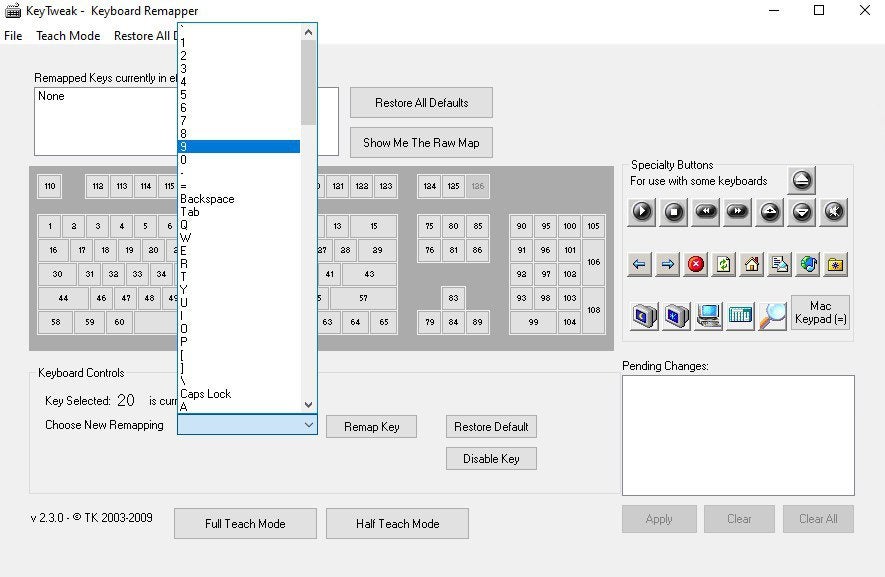
KeyTweak lets users change the function of individual keys by modifying the Windows registry. Through its visual interface, you can select a key and assign it a new function using dropdown menus. It’s helpful for replacing broken keys or reassigning lesser-used ones. While changes do require a system restart, the process is clear and beginner-friendly, with labeled keys and a built-in restore function to revert changes if needed.
How does KeyTweak help remap your keyboard?
Is it easy to install and use?
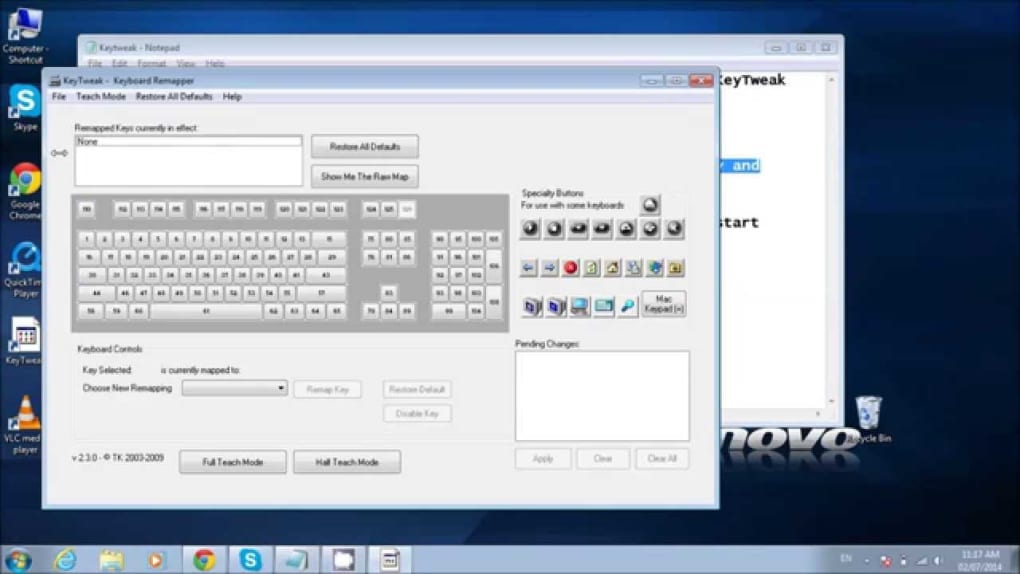
Installation is quick—just run the setup file and follow the prompts. Once open, the main window displays a keyboard layout that highlights selected keys for remapping. The interface avoids complexity and doesn’t overwhelm users with advanced settings, making it suitable for anyone seeking simple key adjustments without technical knowledge.
Pros
- Free and lightweight
- Simple interface with labeled keys
- Suitable for basic remapping tasks
- Includes a restore-to-default option
Cons
- Requires restart for changes to apply
- No support for advanced macros or profiles
- Compatibility may vary on newer systems






