

Customize Unity games with flexible mod support
MelonLoader is a free, open-source mod loader that allows players to use modifications in compatible Unity games. It works with titles built using Mono or IL2CPP, giving players a way to load additional content. Rather than providing mods itself, the utility makes community-created additions available when they support a game.
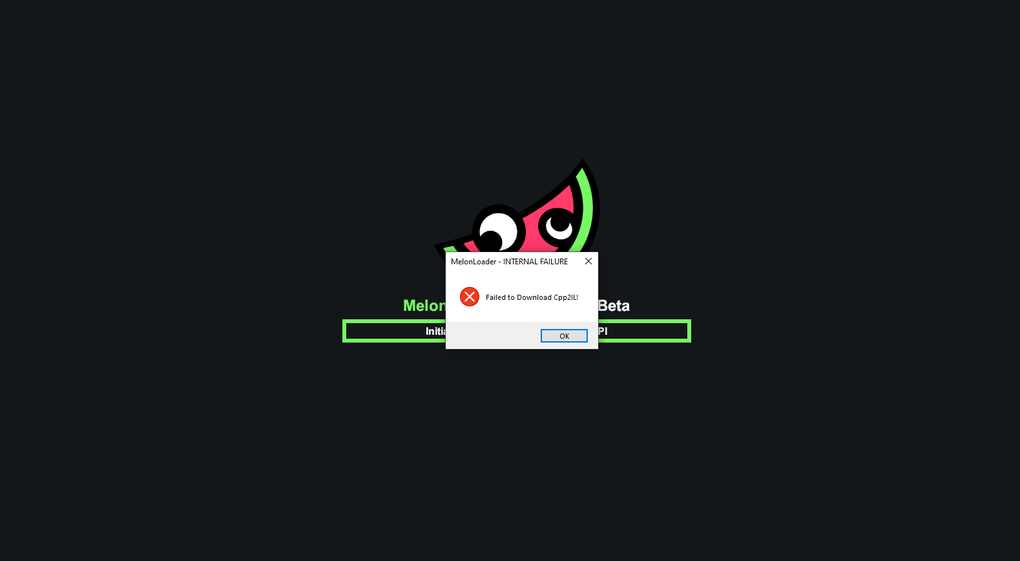
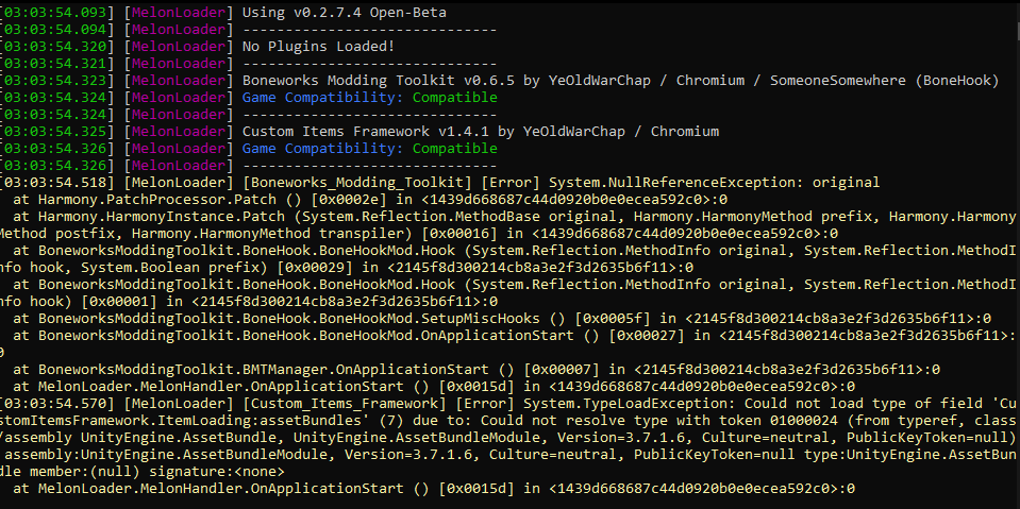
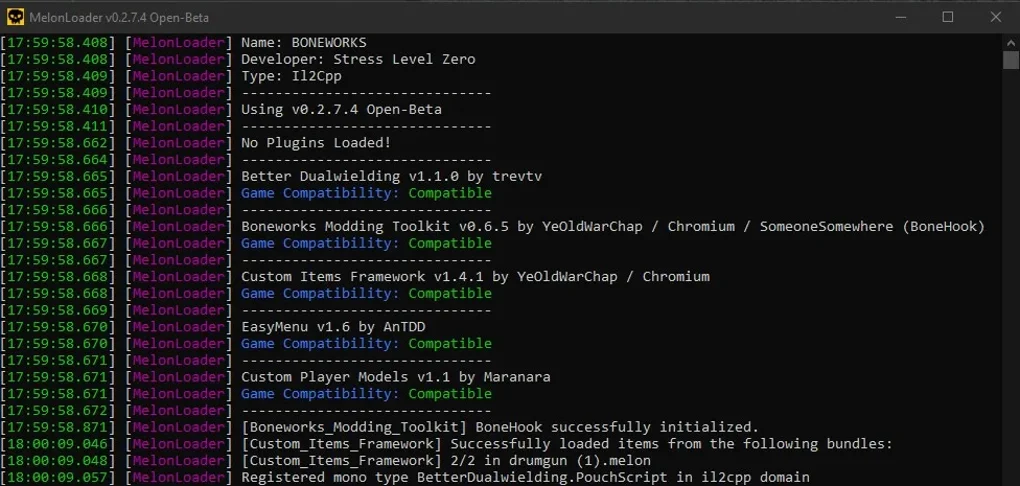
MelonLoader offers an installer, manual setup instructions, debugging tools, and organized folders for plugins and mods. Its logging features help identify problems when changes fail to load correctly. However, compatibility depends on the game, selected mod, and software requirements. Users should check instructions and back up important files before installation.
MelonLoader provides a mod-loading framework for Unity games using either Mono or IL2CPP. Once installed, it reads compatible additions from dedicated Mods and Plugins folders inside the game directory. Users can follow the official installer instructions or install files manually. This setup keeps modifications organized, although a mod must be designed for the particular game and compatible loader version to work as expected during gameplay.
Mod loading and troubleshooting features
The utility includes logging and debugging tools that record startup activity and help mod developers investigate errors. Launch options can disable mods temporarily, adjust console behavior, and collect additional diagnostic information. Such controls are useful when troubleshooting crashes or conflicting additions. However, the technical terminology may challenge beginners, and modifying game files can introduce instability if a plugin is outdated or incorrectly configured during installation.
For IL2CPP titles, installation requires the appropriate .NET desktop runtime, which the Windows installer can provide. Updates to the loader may improve compatibility, but they can also require users to review installed mods. BepInEx offers another approach to Unity modding, depending on a game's community support. Players should download modifications from trusted sources and follow game rules, particularly for online titles or their specific configuration.
Pros
- Free and open-source
- Supports Mono and IL2CPP Unity games
- Provides organized folders for mods and plugins
- Includes debugging and diagnostic logging tools
Cons
- Compatibility varies between games and mods
- Setup may require technical knowledge
- Outdated modifications can cause instability
- Some installations require additional software







