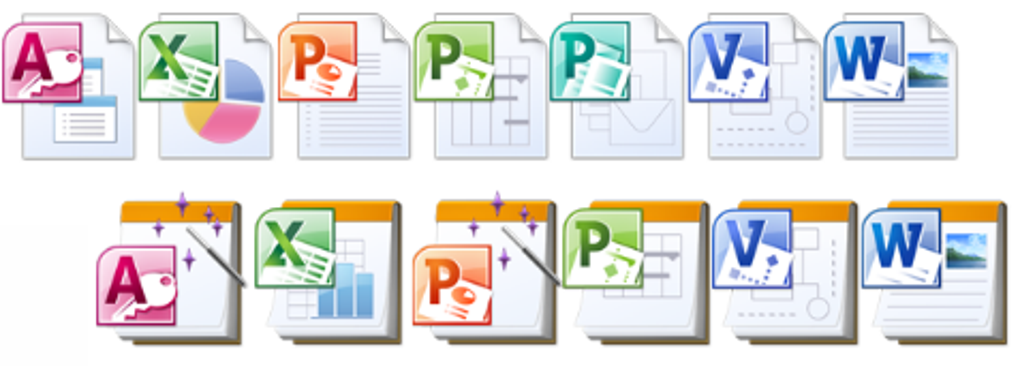
Microsoft Office 2010 IconPack lets you customize your files
Microsoft Office 2010 IconPack is a neat personalization tool for anyone using Microsoft Office 2010. It lets you change the icons in your Office programs on Windows, like Word, to make them look better and possibly even make your work a bit easier.
Whether you're using an older computer or a newer one, chances are you can use this IconPack if you have one of these operating systems:
Microsoft Office 2010 IconPack Supported Operating Systems
- Windows 7
- Windows Server 2003 R2 (32-Bit x86 and 64-Bit)
- Windows Server 2008
- Windows Vista Service Pack 1
- Windows XP Service Pack 3
And remember, this is specifically for those of you who have Microsoft Office 2010 on your computer. It's not going to work if you're using a different version of Office.
The best part about the Microsoft Office 2010 IconPack is how it lets you make your Office programs your own. You can use these new icons to change up how buttons look on your toolbar, making things look just the way you like. It's a software often downloaded in countries such as United Kingdom, Canada, and United States.
How to install Microsoft Office 2010 IconPack
Putting this IconPack on your computer is easy and doesn't require much tech know-how. Just follow these steps:
- Download the IconPack by clicking on the download link and save it to your computer.
- Open the file you just downloaded, called "Office2010IconsGallery.docx."
- Click "Enable Editing" so you can make changes.
- Go to the File menu to see the Backstage view, and there you'll find "ImageMSO 0" and "ImageMSO 1" right after the Exit button.
- Click to check out the icons and see what's available.
Doing this will add some cool new icons to your Office Backstage view, making it easier and more fun to pick and use icons in your Office projects.
Pros
- Adds cool icons
Cons
- Newer versions available