

Free partitions manager for Windows PCs
MiniTool Partition Wizard Free is a free tool that Windows users can use to manage their disk space. It helps with various tasks like resizing, moving, or merging disk partitions without costing anything. However, you can use its basic features without paying a single dime.
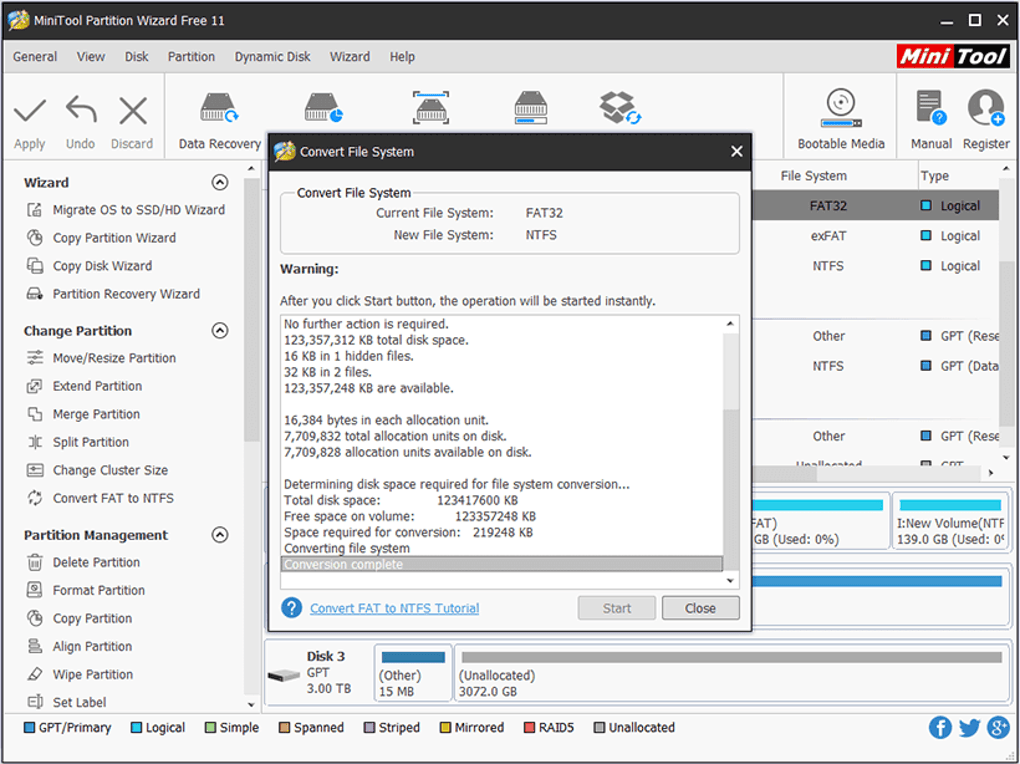
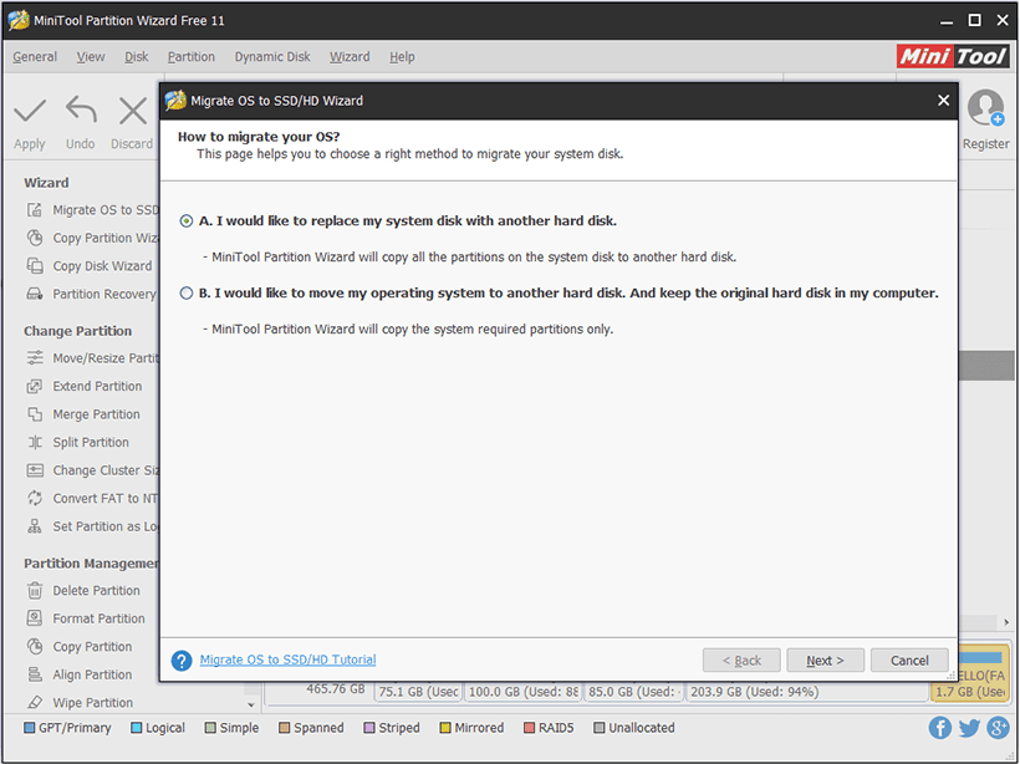
MiniTool Partition Wizard Free is well-known for its ability to handle disk partitions effectively on Windows systems, including Windows 11. This software lets you manage your disk space better by offering features that allow you to create, resize, move, merge, split, format, delete, wipe, and hide partitions. It also supports converting disk types between MBR and GPT and changing partitions from Primary to Logical to help with hardware compatibility.
What does MiniTool Partition Wizard offer?
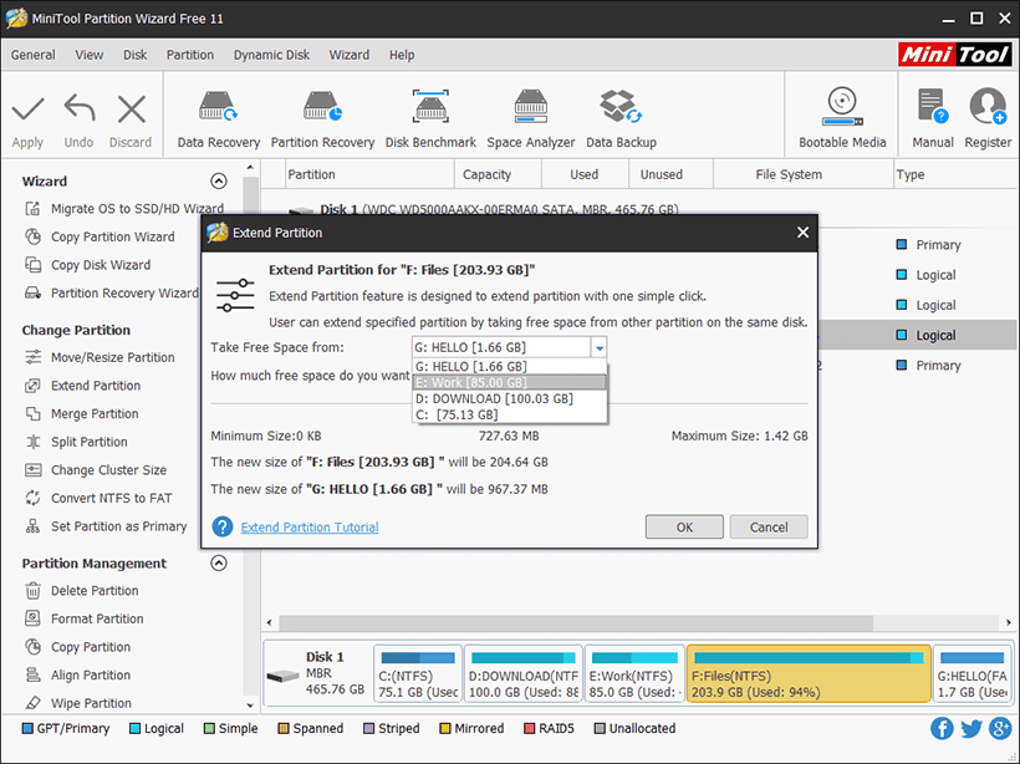
The software includes a check function to look for errors and scan for bad sectors on the disk, keeping your data safe and ensuring the disk runs smoothly. If your computer is low on space, you can easily extend the partitions. It also aligns SSD partitions correctly to improve the performance and lifespan of SSDs.
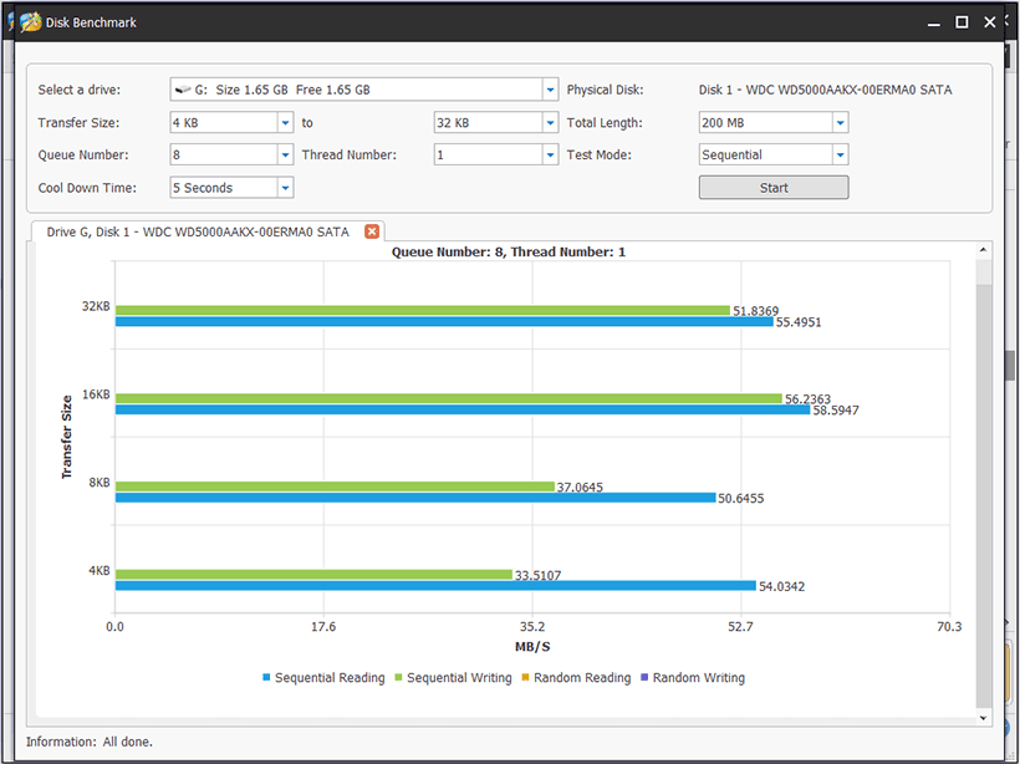
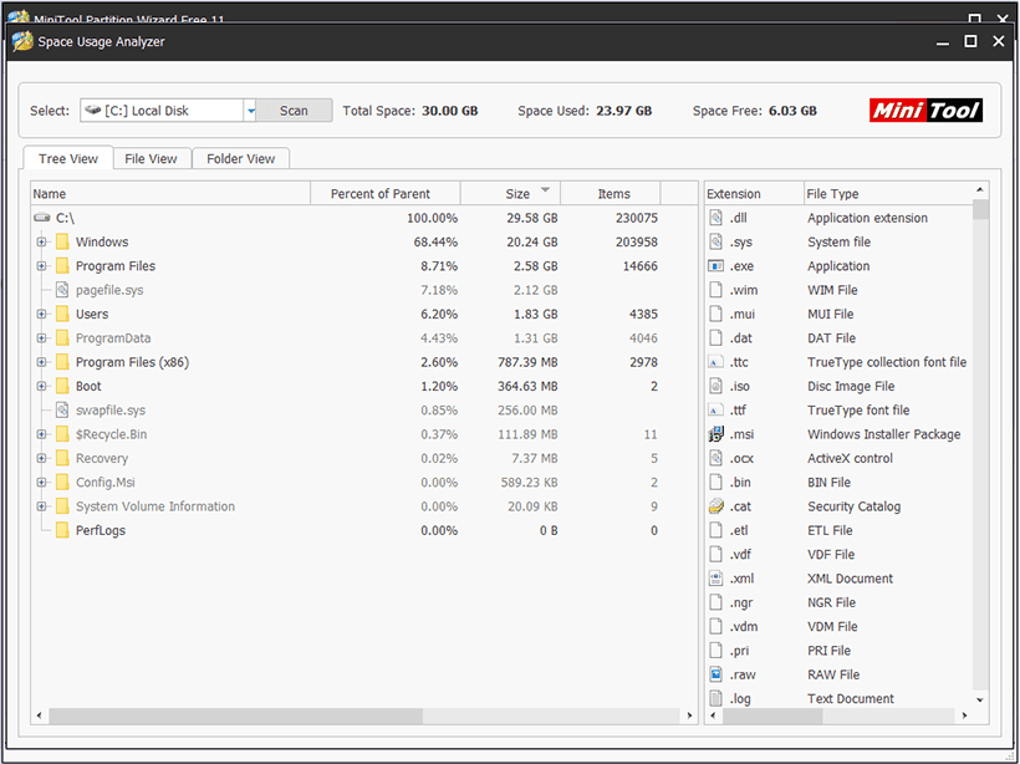
For security, it can completely erase data from partitions to prevent recovery. Setting up and maintaining your disk is straightforward with options to create, delete, and format partitions. The tool also includes a disk benchmark feature to test the read and write speeds, providing insights into your disk's performance. Additionally, the space analyzer feature helps you see how your disk space is used and manage storage by identifying large files and areas where space is not being used efficiently.
What are the technical specs?
MiniTool Partition Wizard Free supports a variety of operating systems and file systems, making it versatile for many users. It works with Windows 11, Windows 10, Windows 8.1/8, and Windows 7. It is compatible with multiple file systems, including FAT12/16/32, exFAT, NTFS, and Ext2/3/4, catering to various storage needs. The software supports many storage devices like HDDs, SSDs, external hard drives, USB flash drives, SD cards, and more.







