
A simple yet effective tool for basic image editing
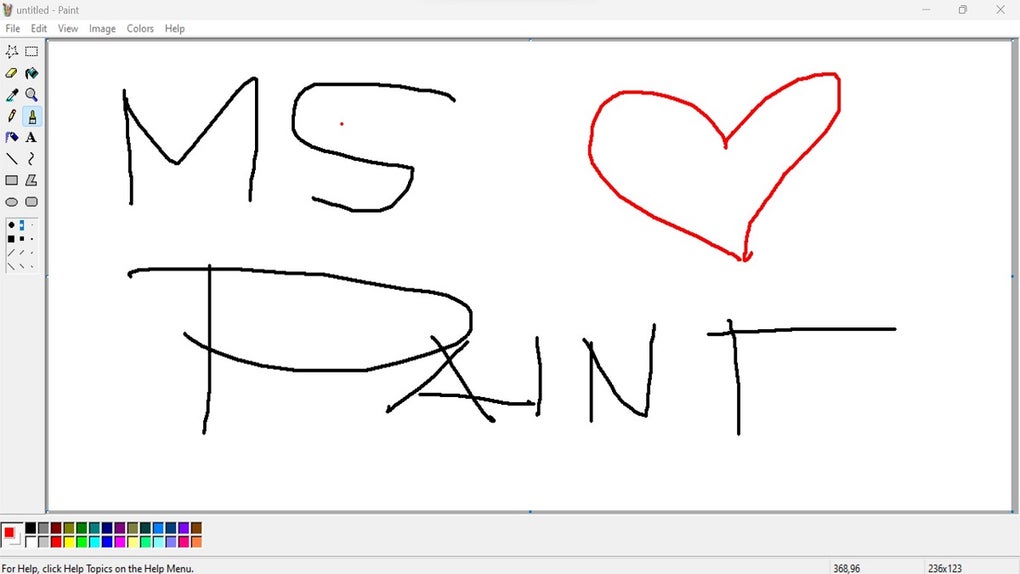
MS Paint serves as a basic image editing and digital drawing tool, aimed primarily at casual users, students, and anyone in need of quick image manipulation tasks. Its intuitive interface comprises essential drawing tools like pencils, brushes, and pre-defined shapes, allowing users to create simple graphics with ease.
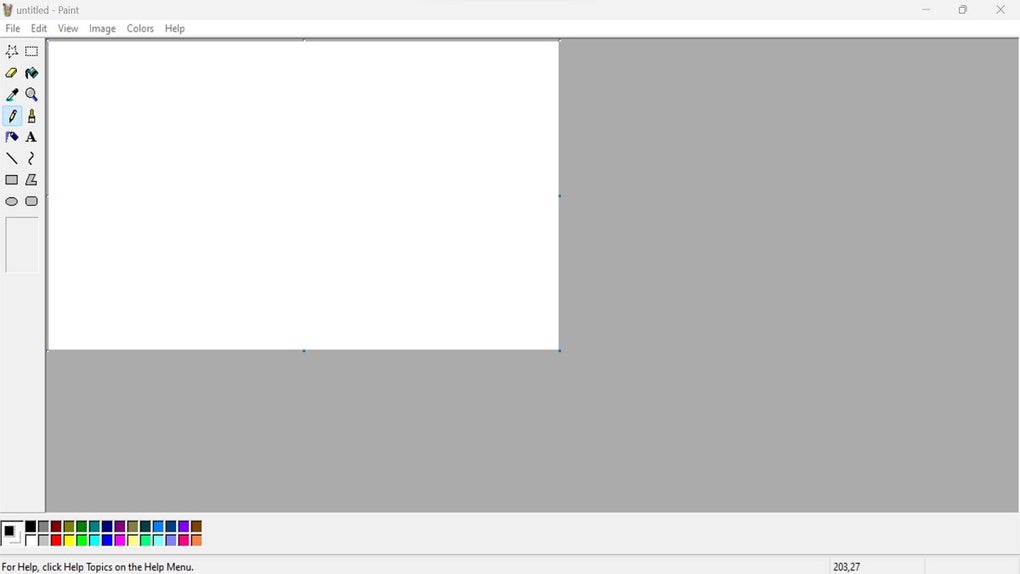
MS Paint excels in its simplicity and intuitive design, making it an ideal choice for both beginners and casual users seeking a straightforward approach to image editing. The user-friendly interface features a minimal toolbar layout that allows for quick access to essential tools, enabling tasks like cropping, resizing, and basic drawing to be completed efficiently. The design prioritizes ease of use, helping users navigate and finish basic projects without frustration.
Designed for ease of use
Performance and visual capabilities
MS Paint's basic graphic rendering capabilities are well-suited for simple designs. Whether you're sketching an idea, filling in colors, or making quick edits to an image, the application runs smoothly and gets the job done. It supports common image formats and performs reliably, making it a simple yet dependable tool for everyday creative tasks without overwhelming you with complexity.
Core strengths and missing features
While MS Paint’s intuitive interface makes it easy to use for beginners, it lacks several advanced features that limit its use for more complex projects. The absence of the basic selection of filters restricts creative possibilities. Additionally, text manipulation options are rudimentary. Users requiring precise color adjustments or advanced editing capabilities can find MS Paint not sufficient.
Pros
- Good for basic edits
- Supports common image formats
- Easy to learn interface
Cons
- No advanced editing tools
- Lacks filter and effect options






