

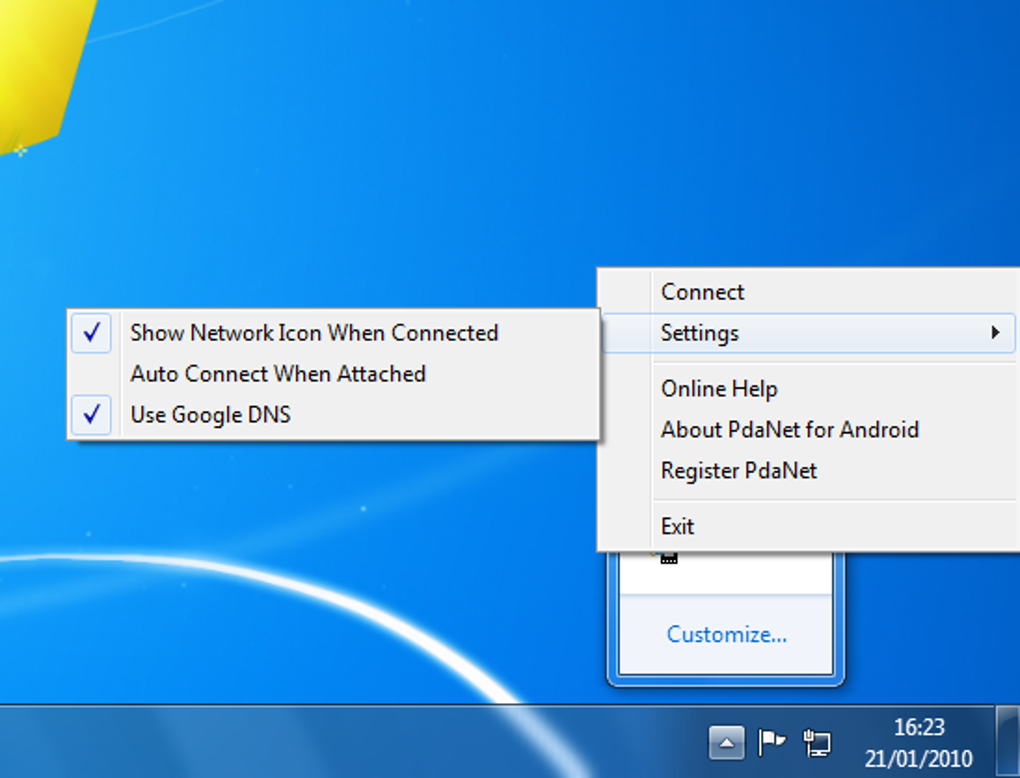
Fast tethering tool for mobile users
PdaNet enables convenient tethering by sharing a device’s internet connection, via USB, Wi-Fi, or Bluetooth, with another computer, bypassing operators’ hotspot restrictions. It’s popular among mobile users who need reliable connectivity when built-in hotspot features are locked or metered, making it a dependable and versatile alternative in restricted environments.
PdaNet remains essential for extending internet access in travel or remote scenarios. Its lightweight design, straightforward installation, and uncapped tethering speeds offer flexibility across devices. Compatibility with recent Android versions makes it an adaptable solution for users needing stable mobile-to-PC data sharing without limitations, ensuring dependable performance for both personal and professional use.
PdaNet supports multiple tethering methods, USB, Wi-Fi Direct, and Bluetooth, allowing users to adapt to connections while maintaining stable performance. It works across platforms without root requirements. Alternatives like EasyTether or native tethering may match in function, but often face speed caps or restrictions. While it lacks advanced network tools, its focus on ease and compatibility makes it a practical choice for dependable tethering with minimal setup.
What makes reliable tethering practical
Performance remains consistent even with extended usage, avoiding lag or disconnections. Its small footprint ensures it runs quietly without affecting other active tasks, adding convenience. This balance of reliability and low system impact makes it suitable for both casual and heavy users. While it may not provide advanced developer tools or VPN capabilities, it focuses on delivering stable, straightforward tethering functionality that works seamlessly in most everyday situations.
One key update is improved Wi-Fi Direct mode stability, further minimizing random dropouts when moving between different network zones. This benefits mobile professionals or remote workers who depend on steady and uninterrupted access. Although it still cannot bypass all carrier detection methods, its overall reliability generally outweighs its limitations. Users who prioritize quick, flexible sharing without unnecessary extras will find it ideal for daily mobile-to-PC internet bridging.
Pros
- Multiple tethering options
- No root required
- Lightweight and efficient
- Reliable remote access
Cons
- No advanced tools
- Can't bypass all carriers
- Limited customization features
- Lacks usage monitoring







