

Convert and manage documents with ease
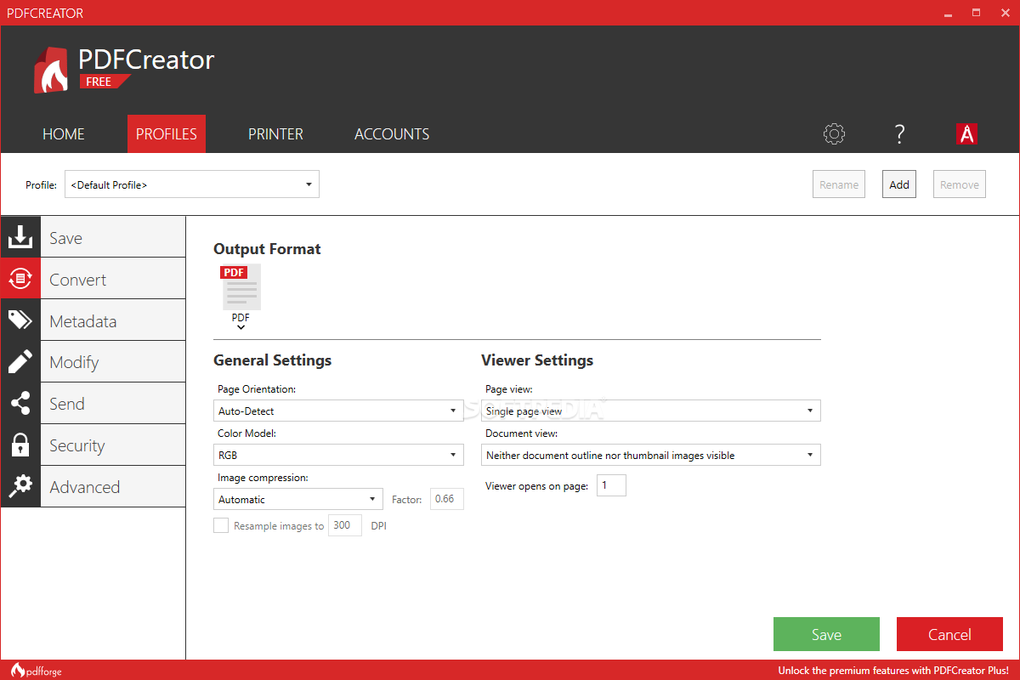
PDFCreator is a free Windows-based tool that converts any printable document into a PDF file. It supports formats like Microsoft Office, JPG, PNG, and TIFF, producing high-quality results quickly. Installed as a virtual printer, it allows users to access PDF creation from almost any program with a standard print function.
The program goes beyond basic PDF conversion by offering features like document merging, digital signatures, and file encryption. Automation options using tokens and actions help streamline repetitive tasks. With support for long-term archiving through the PDF/A standard, PDFCreator is a reliable and flexible solution for both personal and professional use.
PDFCreator includes essential features such as converting documents from Office formats or images into clean, professional-looking PDFs. It also supports merging and rearranging pages, making document management easier for projects involving multiple files. The ability to archive using the PDF/A standard ensures long-term accessibility. However, the interface feels outdated and unintuitive, which can detract from the user experience, especially for those who prefer modern, streamlined software design.
Powerful tools for simple PDF tasks
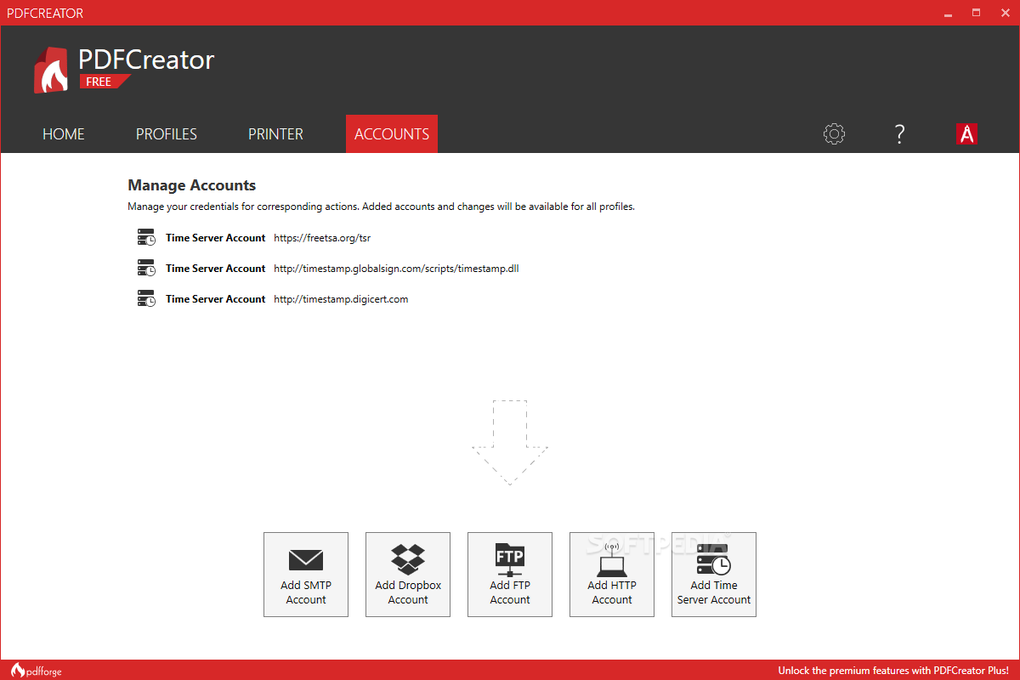
For automation, it uses tokens to auto-fill values like file names or directories, saving time on repetitive tasks. Its auto-save function ensures files are saved consistently without manual input. Advanced users can create actions—like emailing PDFs, uploading via FTP, or executing scripts—to streamline their workflow. However, the advanced features can confuse beginners, and occasional pop-up ads during setup can interrupt the installation process and create a less smooth user experience.
Additionally, the software supports CS-Script, allowing custom scripting in C# for fine control over the conversion process. The COM interface lets developers integrate the program into their applications for automated printing and file handling. While the interface can feel dated, its range of supported languages and strong feature set make it a dependable choice. Alternatives include CutePDF, doPDF, and PrimoPDF, while Adobe Acrobat remains the premium option for advanced needs.
Pros
- Converts Office files and images to PDF
- Supports automation with tokens and scripting
- Offers PDF/A archiving and digital signatures
- Available in over 20 languages
Cons
- Interface feels outdated
- Advanced features can confuse beginners
- Occasional pop-up ads during setup






