

Lightweight file recovery tool on-the-go
Recuva Portable is a free file recovery program that helps restore accidentally deleted files from hard drives, memory cards, and other storage devices. It requires no installation, making it perfect for USB drives and temporary use. This portability makes it valuable for quick data recovery when installation is impractical or restricted.
Recuva Portable provides flexibility for both IT professionals and everyday users. By operating without installation, it reduces the risk of overwriting data during recovery. The program can be launched directly from external storage, ensuring reliable accessibility and convenience in various environments, whether at home, work, or on the go.
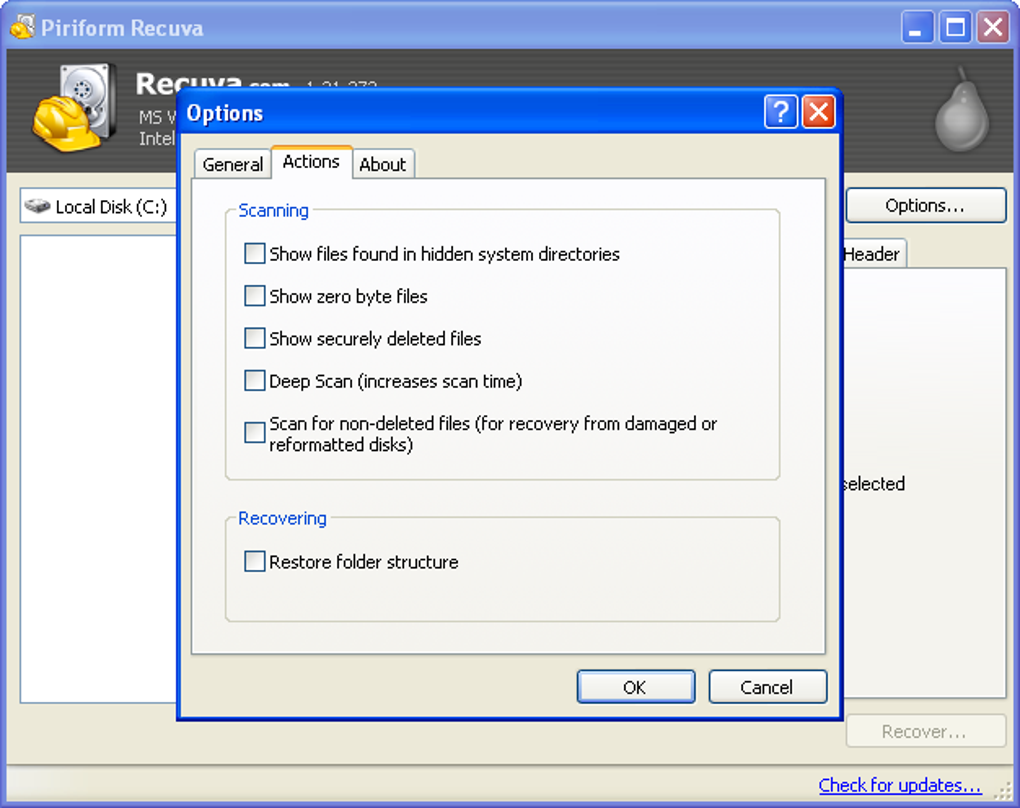
Recuva Portable supports recovery of files such as photos, documents, emails, and videos from damaged or recently formatted drives. It offers a deep scan mode to locate hard-to-find files and a secure overwrite feature to permanently erase sensitive data. However, its Windows-only compatibility limits its usefulness, as users on macOS or Linux cannot take advantage of its portability, reducing its appeal for those needing a truly cross-platform recovery solution.
Practical file restoration anywhere
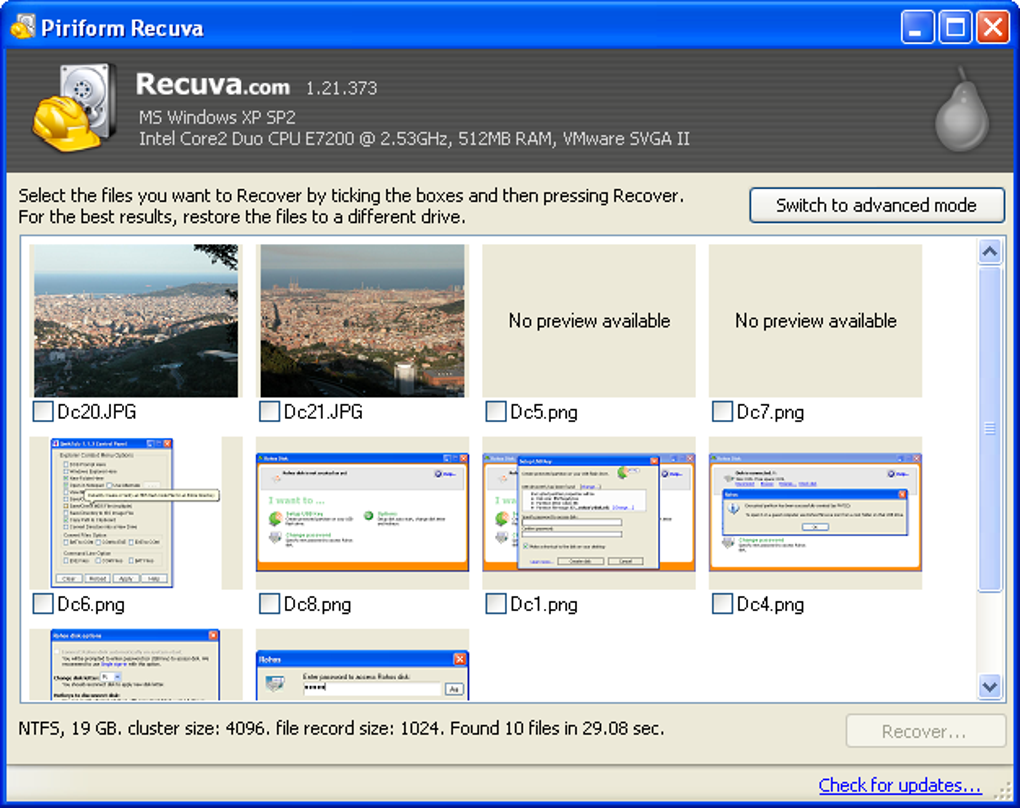
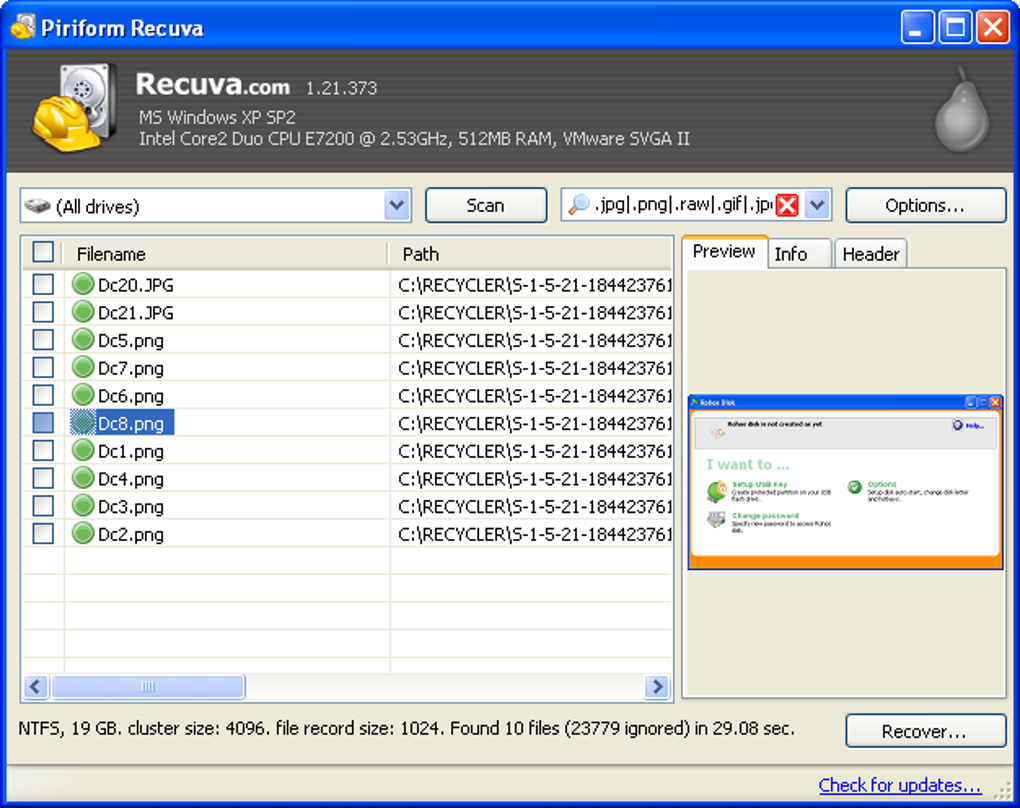
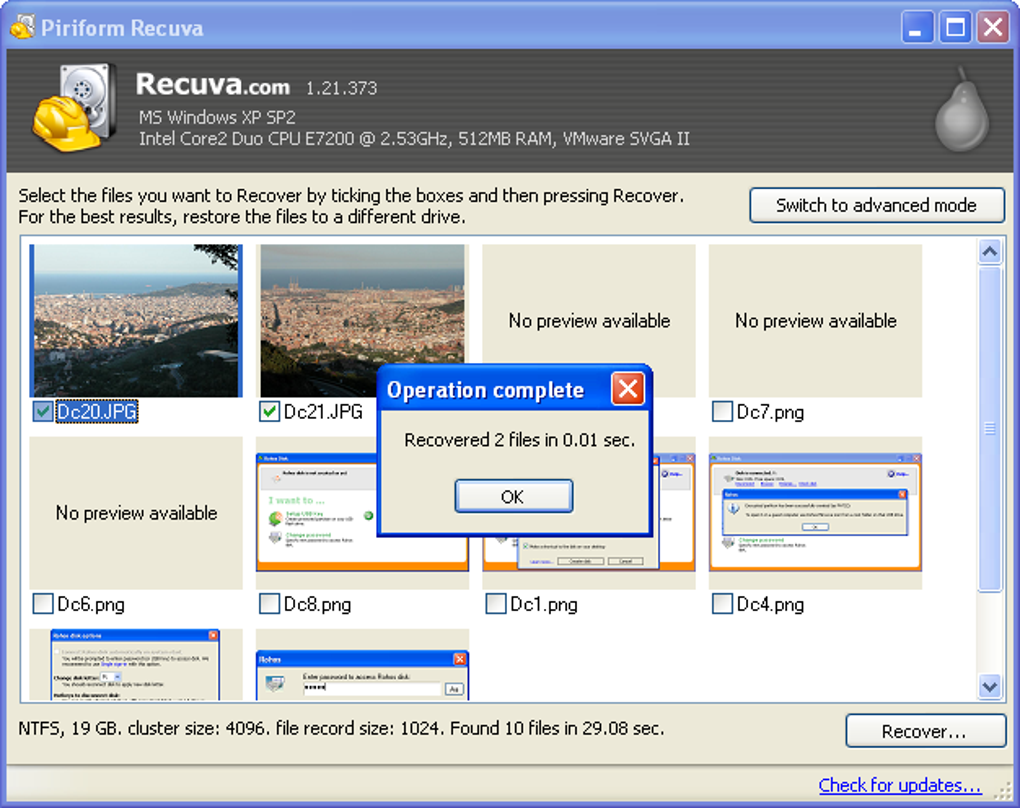
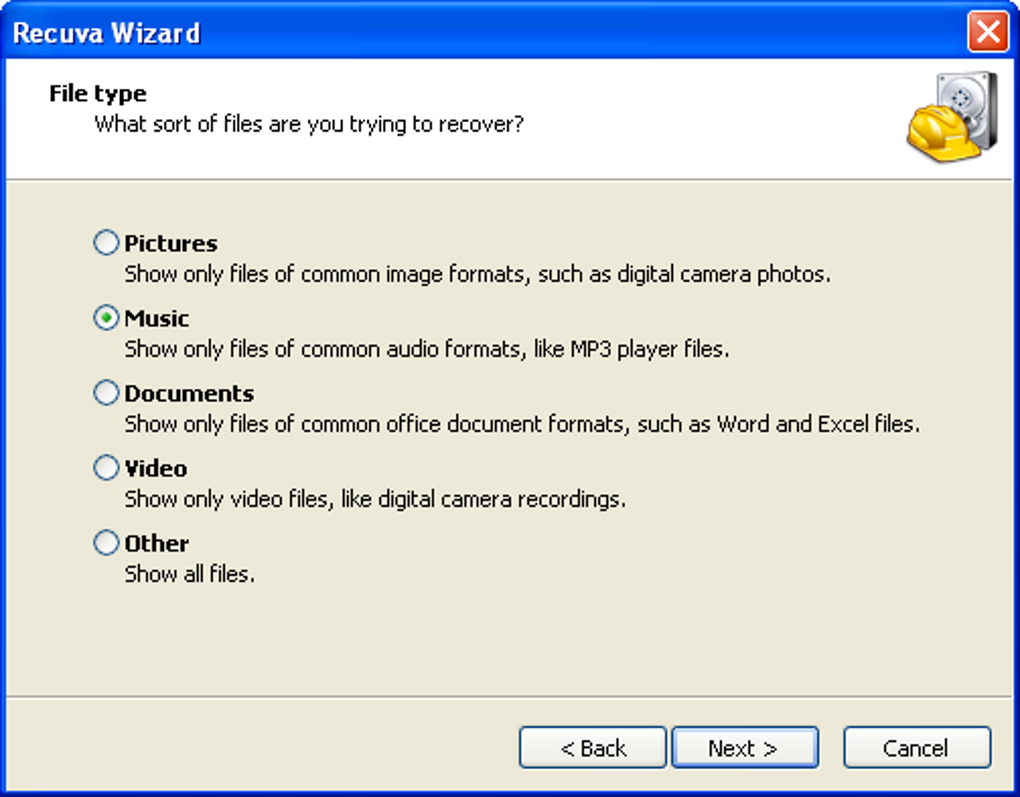
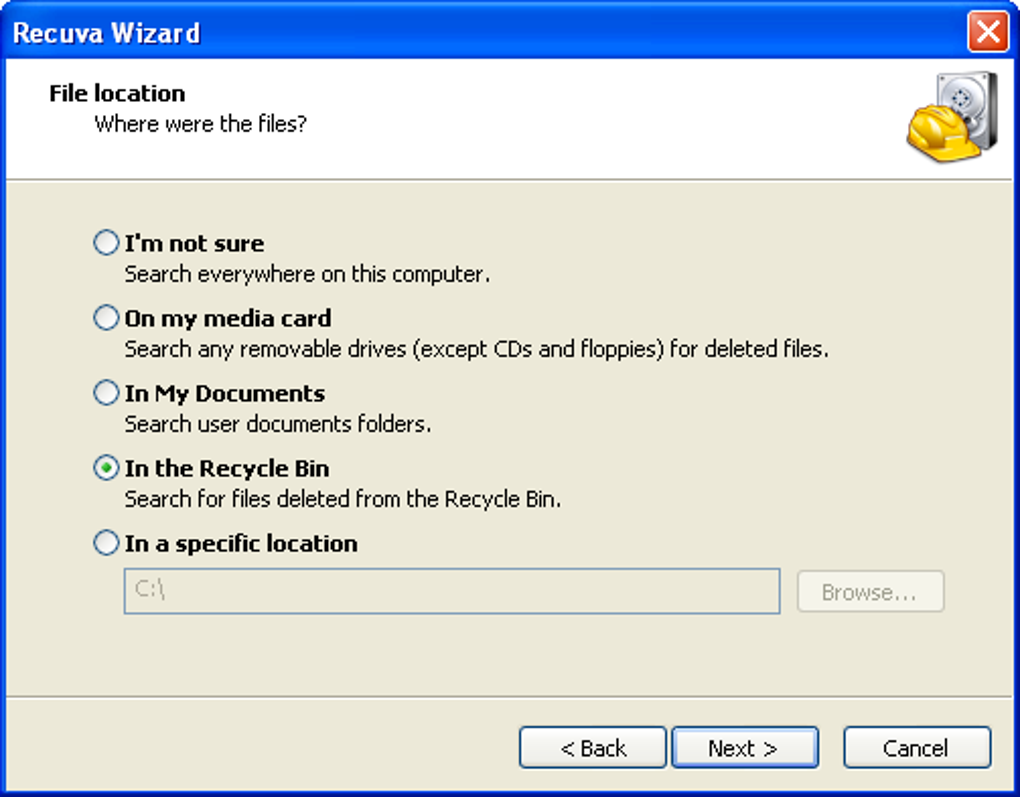
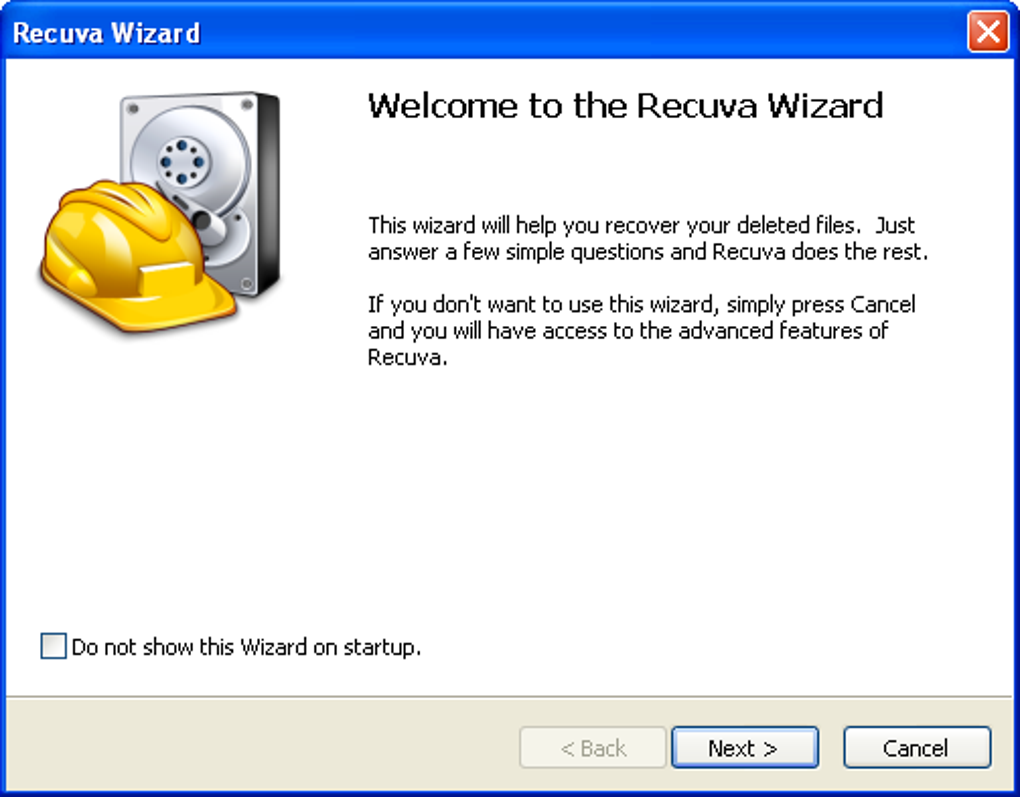
The interface is straightforward, featuring a simple wizard for beginners and an advanced mode for experienced users. It is compatible with most versions of Windows and supports various file systems like FAT and NTFS. However, it lacks many advanced recovery features offered by premium tools, and its deep scans can be noticeably slow, which can frustrate users who require faster performance or more thorough data restoration in critical recovery situations.
While it is effective, alternatives such as PhotoRec, TestDisk, and EaseUS Data Recovery Wizard provide more advanced capabilities, including broader platform support, superior recovery algorithms, and additional customization options. Nonetheless, Recuva remains a practical option for users seeking a free, straightforward, and portable recovery solution without requiring permanent installation, especially for those with basic data recovery needs on Windows systems.
Pros
- Portable and requires no installation
- Easy-to-use interface
- Supports a wide range of file types
- Free for basic use
Cons
- Windows-only compatibility
- Limited advanced recovery features
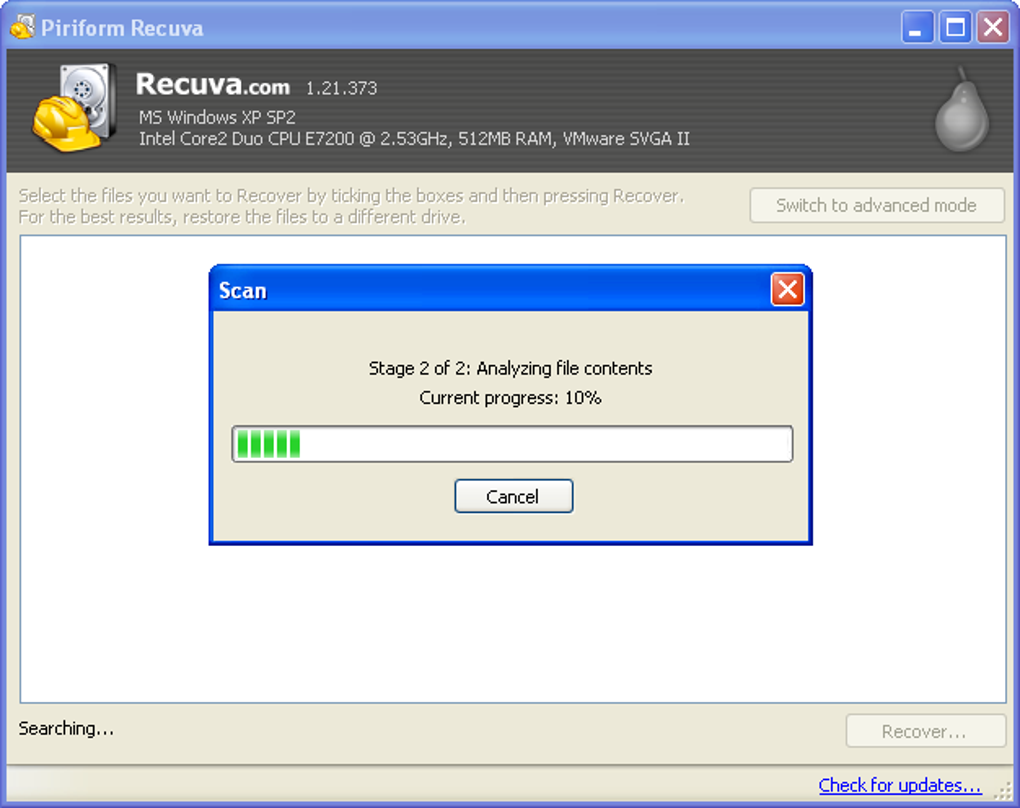
- Deep scans can be slow







