
Lightweight Android emulator for smooth gaming
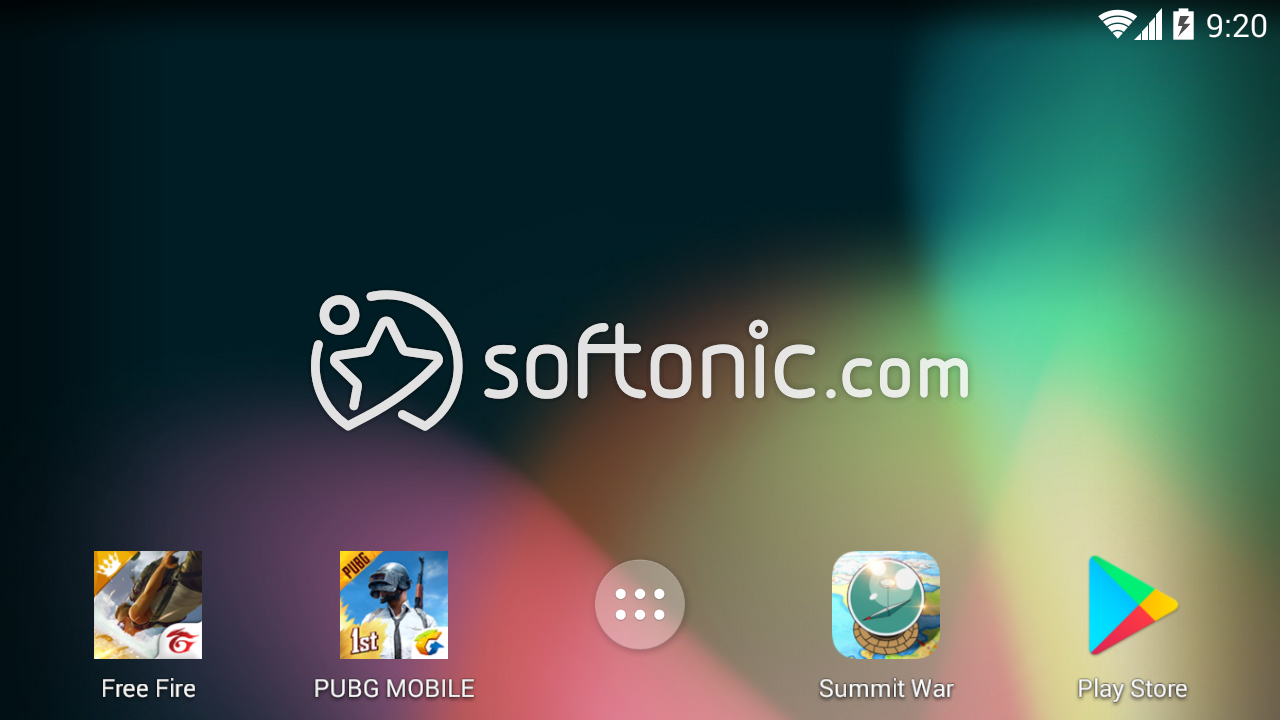
SmartGaGa-Android Emulator is designed to bring a seamless mobile gaming experience to PC users. It supports popular FPS games like Free Fire, PUBG Mobile, and Clash of Clans, allowing players to enjoy these titles on larger screens with keyboard and mouse controls. The emulator uses advanced technologies to optimize performance, making it suitable even for low-end computers with 2GB RAM.
SmartGaGa-Android Emulator uses the Titan engine to reduce system load and the Turbo GPU for smooth, high-frame-rate gameplay. This emulator features Smart Mode for beginners and supports app installation via Google Play, extending its use beyond gaming and other utilities.
SmartGaGa-Android Emulator’s Titan engine allows it to run efficiently on systems with modest specifications, distinguishing it from heavier emulators that require CPU virtualization. This makes it accessible for both mid-range and low-spec PCs. It supports Windows 7 and higher versions, ensuring broad compatibility. The emulator is optimized for a range of popular games, delivering consistent performance and minimal input lag.
Efficient performance and broad compatibility
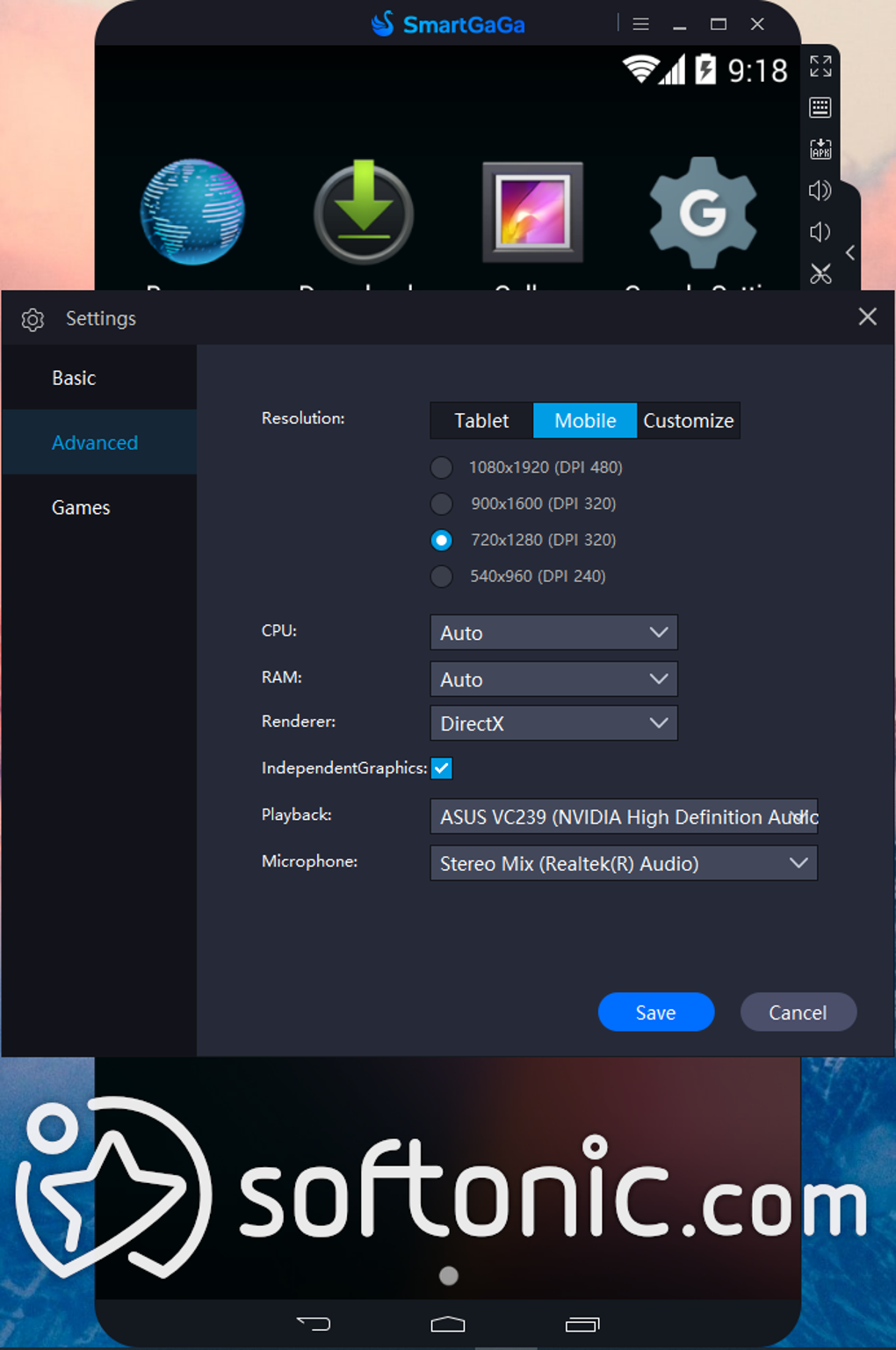
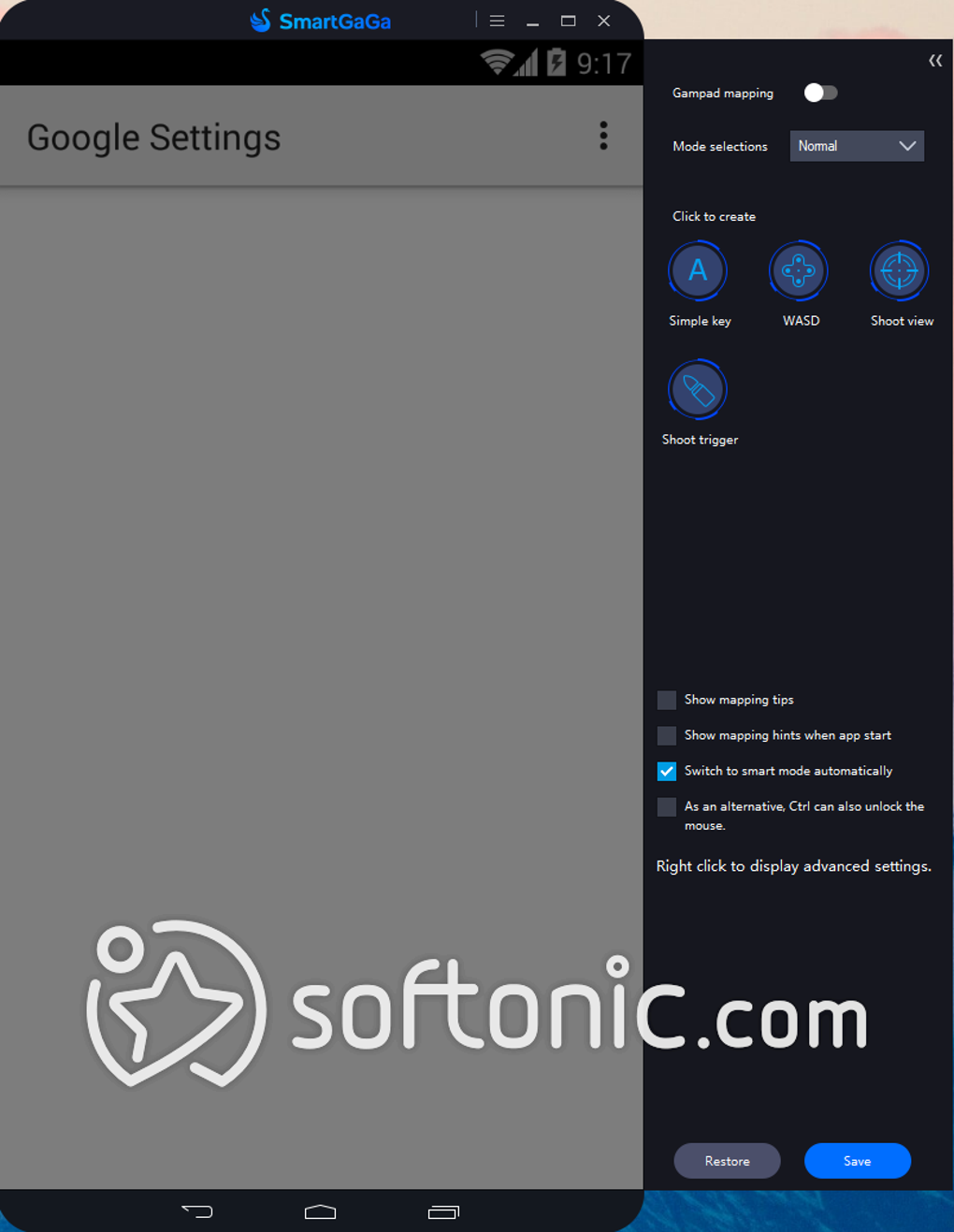
The emulator offers customizable controls, enabling users to map keyboard, mouse, or gamepad inputs for a console-like experience. Its user-friendly interface suits both casual and advanced gamers. It supports running multiple instances for multitasking or managing game accounts. Lightweight and stable, it minimally impacts system resources, though some games may face compatibility or performance issues depending on hardware. Regular updates improve stability and compatibility.
While the emulator delivers a smooth experience for many popular games, it may encounter difficulties with less common or highly demanding applications. Users are advised to check compatibility with specific titles before depending on this emulator for all Android apps. Performance varies based on hardware and software configurations, so careful consideration helps avoid frustration and ensures a more reliable gaming or app experience overall.
Pros
- Runs smoothly on low-end PCs with 2GB RAM
- Titan engine reduces CPU and memory load
- High frame rates with Turbo GPU technology
- Supports keyboard, mouse, and gamepad controls
Cons
- Some compatibility issues with niche or demanding games
- Official website access and updates can be irregular
- Occasional bugs depending on game titles
- May require tweaking for optimal performance







