

A media-focused browser for entertainment and simplicity
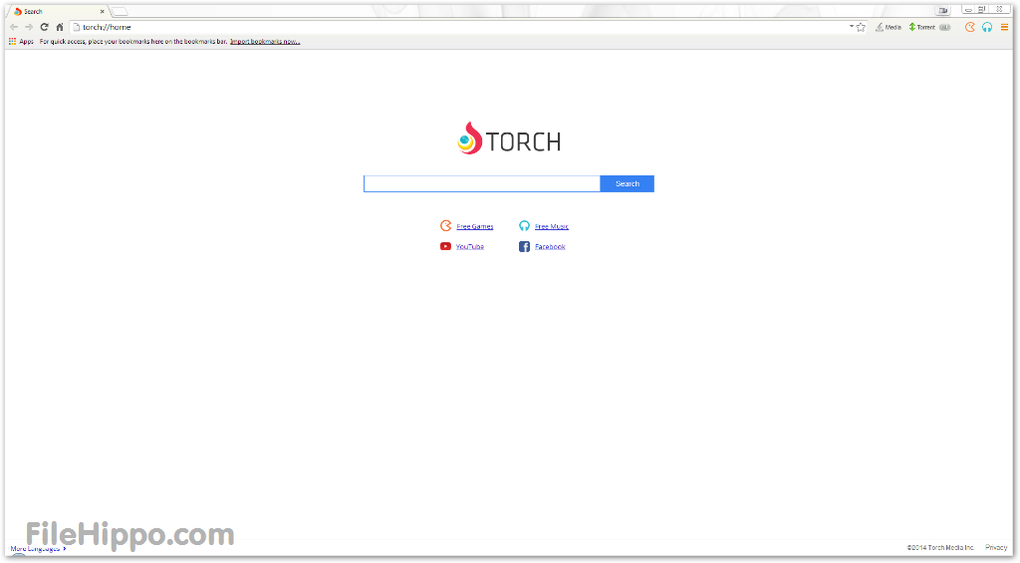
Torch Browser offers a multimedia-centric browsing experience by integrating media download features directly into a familiar interface. With a built-in torrent client, media grabber, and Torch Music platform, it enables users to manage downloads and media playback with ease. These features make the browser especially appealing to media enthusiasts seeking convenience and centralized control.
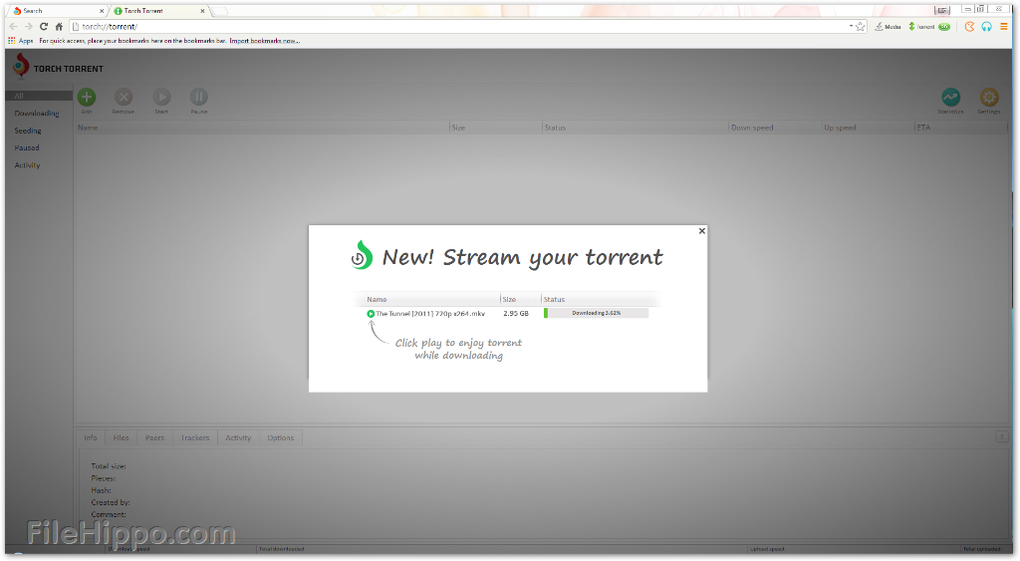
One of Torch’s standout functions is its integrated torrent client, allowing users to download and manage torrent files directly within the browser. This eliminates the need for external torrent software. However, it is only basic compared to full-fledged torrent programs like BitTorrent. Additionally, the browser features a Media Grabber tool, capable of detecting and downloading videos and audio from popular sites with a single click. To complement these, Torch Player streams video or audio files—such as partially downloaded torrents—without requiring third-party media players.
Hassle-free downloads
Media controls at your fingertips
Torch offers a familiar, Chromium-based user interface that simplifies multimedia management. The download manager is built into the browser window, displaying progress, file size, and options to pause, resume, or cancel downloads. While it does not include advanced search or filtering within the download pane, the interface keeps the downloads neatly organized.
A built-in Share button enables users to quickly post links or downloaded media to platforms like Facebook and Twitter, promoting interactivity and convenience. Customization is also possible through themes and visual tweaks, including the Torch Facelift tool, which allows users to modify the look of their Facebook experience.
Built-in entertainment
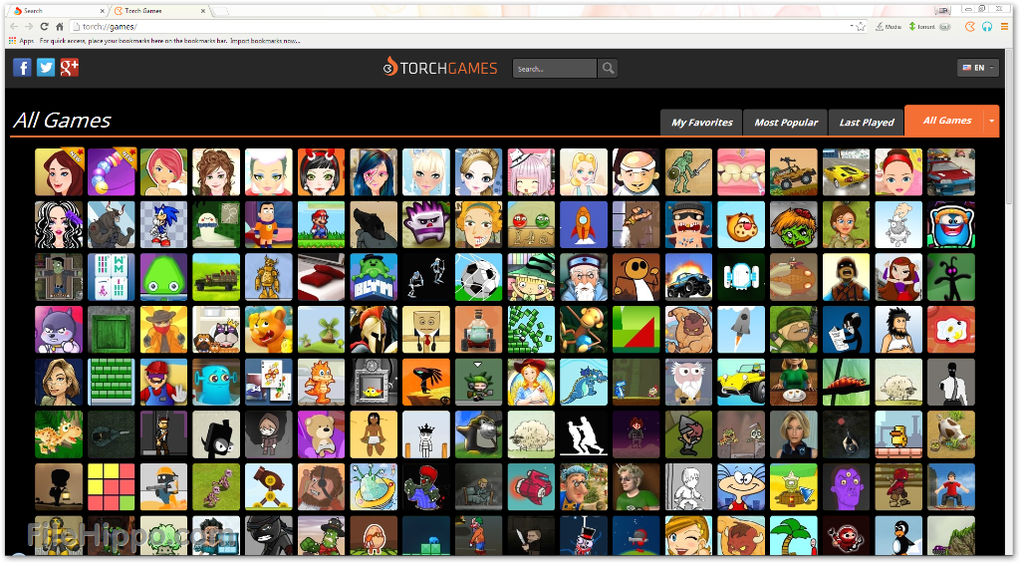
A unique offering of the Torch ecosystem is Torch Music, a free music streaming service. It allows users to listen to music without needing to leave the browser. Torch Games also provides access to free games—no downloads or installations required. Together, these two leverage entertainment and integrate it seamlessly into the browsing experience.
Accessibility and system requirements
While Torch Browser does not offer advanced accessibility features, such as screen reader compatibility, it does support basic interface customizations through downloadable themes and skins. The official system requirements are minimal at 100 MB free storage space and 128 MB RAM, but for optimal performance, a dual-core processor and at least 4 GB of RAM are generally recommended.
Pros
- Downloading capabilities
- Native entertainment features
Cons
- Limited accessibility features






