

High-performance video and audio conversion software
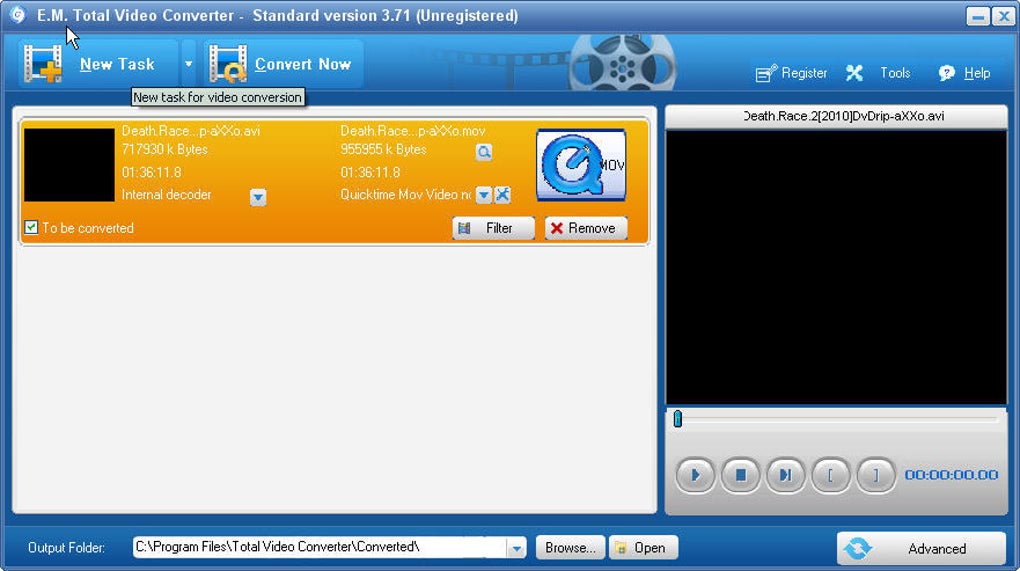
Total Video Converter is a professional multimedia conversion program developed by EffectMatrix that enables users to handle a wide range of video and audio formats. Designed with speed and compatibility in mind, it converts files for smooth playback across devices, platforms, and editing suites without sacrificing quality.
The program supports advanced video and audio codecs, including H.264, H.265/HEVC, MPEG-4, AAC, and FLAC, making it a robust solution for both casual and technical users. With additional support for 4K UHD, batch conversion, and hardware acceleration, Total Video Converter provides a reliable workflow for media professionals and enthusiasts alike.
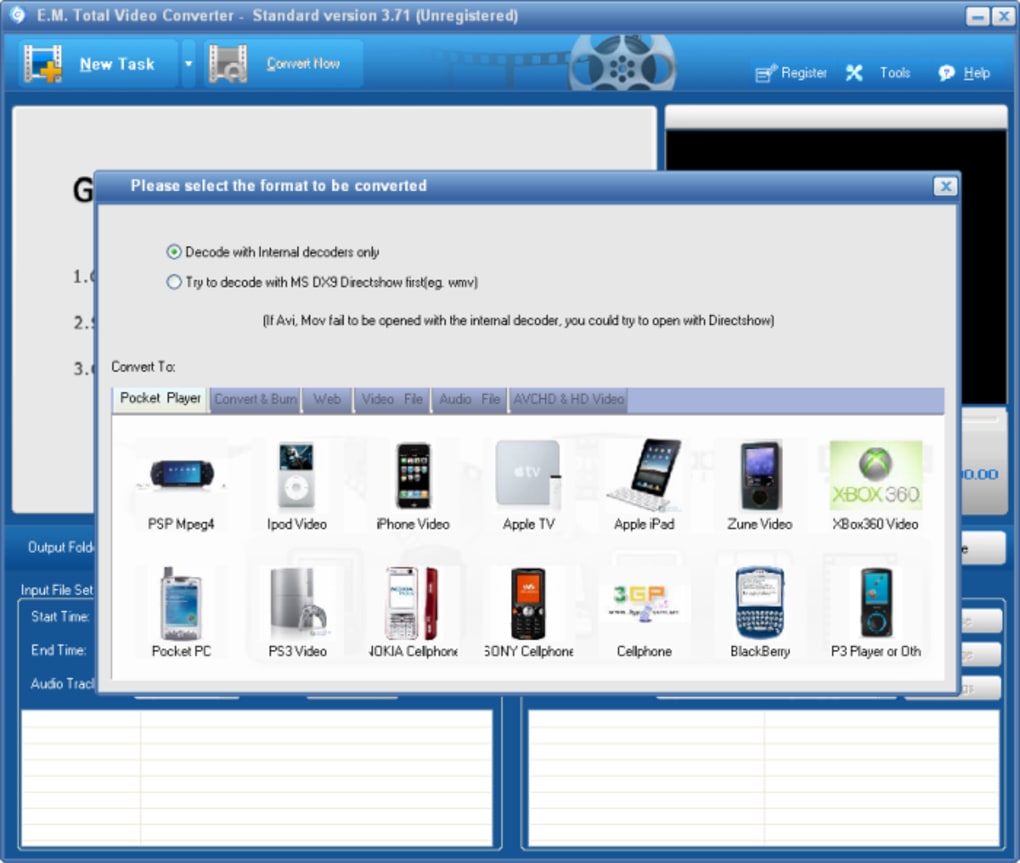
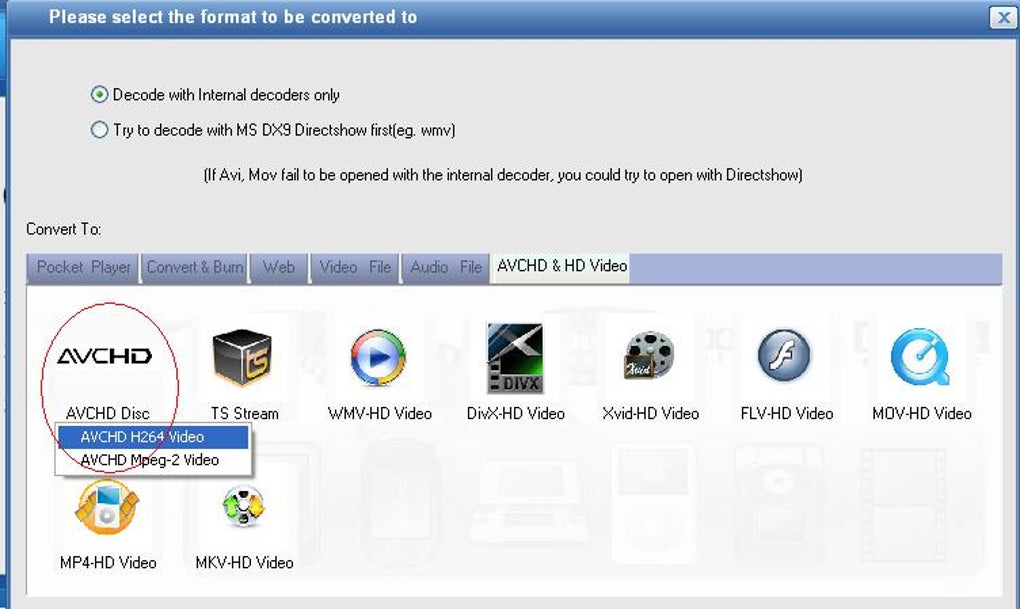
Total Video Converter excels at format compatibility, offering support for more than 250 video and audio file types. This includes popular formats like MP4, MKV, AVI, MOV, WMV, MP3, AAC, OGG, and WAV. Users also benefit from support for high-efficiency codecs such as H.265/HEVC and VP9, ensuring smaller file sizes without noticeable quality loss. Its device presets simplify exporting to smartphones, gaming consoles, and web platforms like YouTube or Vimeo.
Wide format and codec support
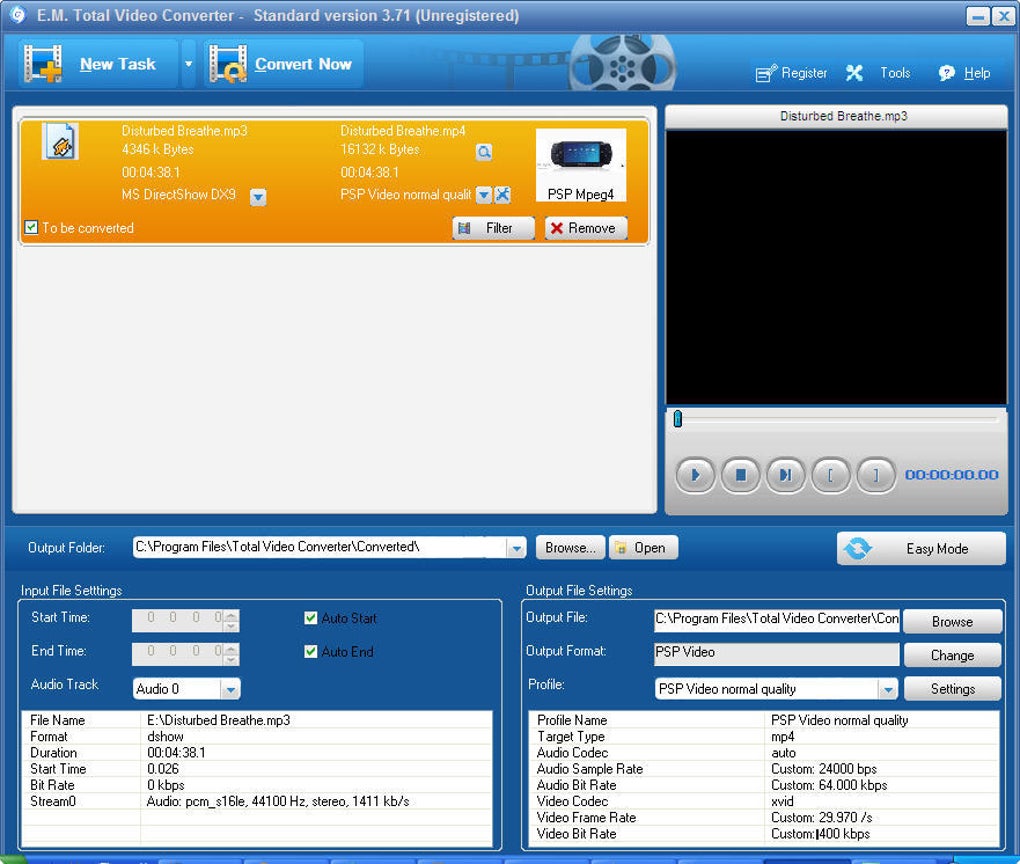
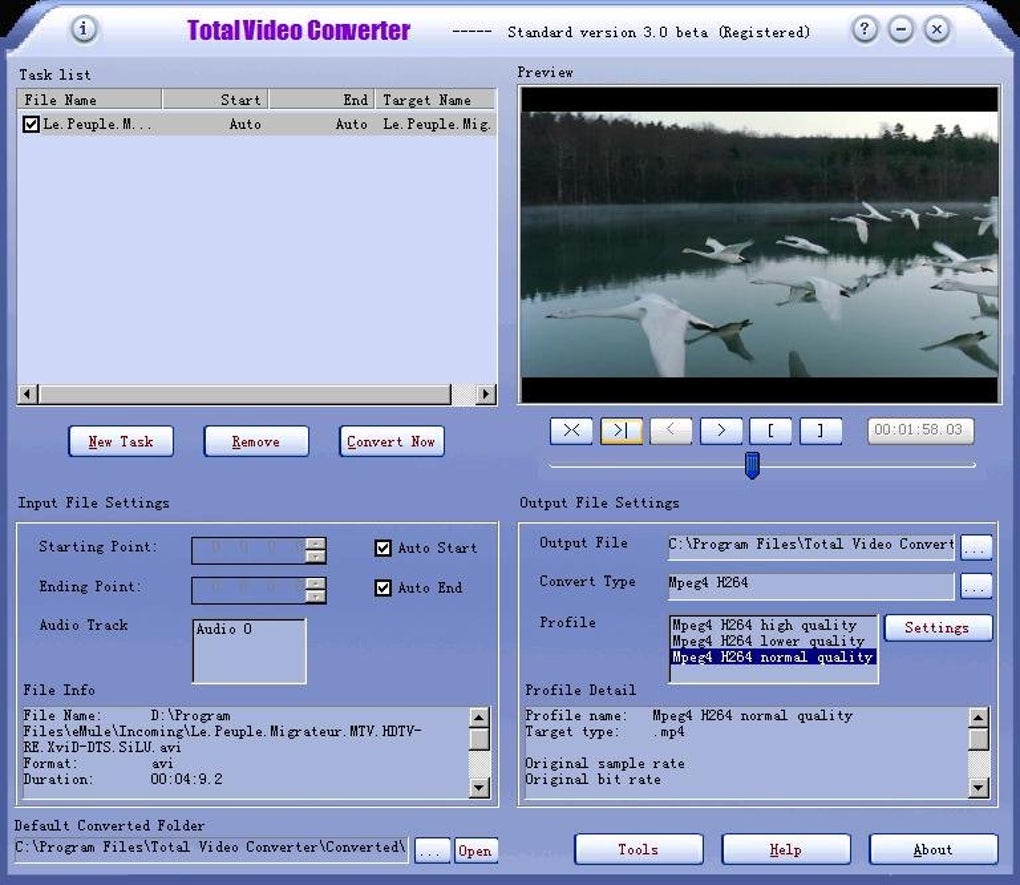
Beyond basic conversion, the software allows customization of output parameters, including resolution, frame rate, and bitrate. This flexibility means users can downscale large 4K videos to 1080p for easier sharing, or preserve maximum quality for archiving. By combining user-friendly presets with advanced codec options, it accommodates beginners as well as professionals who need precise control. However, the interface design feels slightly dated, which can frustrate users accustomed to modern, polished layouts found in competing software.
Editing and auxiliary tools
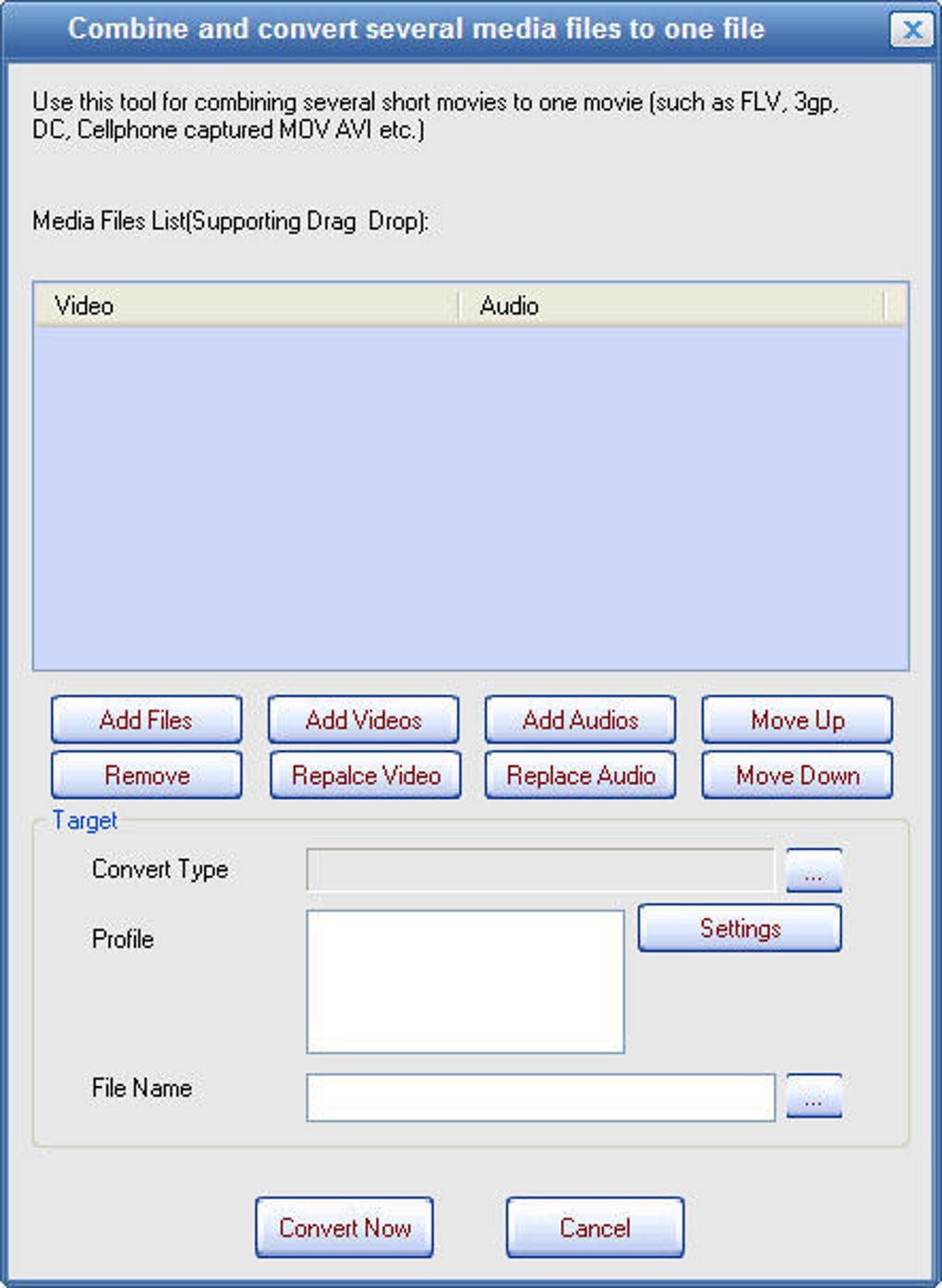
In addition to conversion, it also includes practical editing functions. Users can trim, merge, crop, and rotate video clips directly within the program. Subtitles can be embedded in SRT, SSA, or ASS formats, while audio extraction enables saving high-quality soundtracks in MP3, AAC, or FLAC. These tools are especially useful for quick edits when preparing content for presentations, streaming, or distribution. However, the software suffers from limited advanced video editing features, making it less suitable for professional-level production tasks.
The software also features GPU acceleration for faster rendering on supported graphics cards. NVIDIA CUDA and AMD technologies are leveraged to speed up conversion tasks significantly, especially with high-resolution files. Users can also burn converted videos to DVD or Blu-ray, complete with customizable menu templates, making it a multifunctional solution for both digital and physical media while saving users valuable time during large-scale projects.
Performance and alternatives
Performance is one of its strengths. Batch processing allows hundreds of files to be converted simultaneously, reducing waiting times dramatically. The software’s efficient use of system resources ensures stability even when handling 4K UHD or high-bitrate videos. Hardware acceleration further enhances speed, while its high-quality encoding maintains clarity and sync between video and audio. However, the program requires a paid license for full functionality, which may discourage users seeking a completely free, unrestricted solution.
In terms of alternatives, open-source options such as HandBrake or FFmpeg are excellent for tech-savvy users who want free, script-based tools. However, this software distinguishes itself with its polished interface, integrated editing tools, and DVD authoring capabilities. This all-in-one approach makes it suitable for users who want professional-grade performance without juggling multiple applications, though some may still prefer the flexibility and frequent updates offered by open-source solutions.
Pros
- Supports over 250 audio/video formats
- Hardware acceleration with CUDA/AMD support
- 4K UHD conversion and batch processing
- Built-in subtitle and DVD authoring tools
Cons
- Interface design feels slightly dated
- Limited advanced video editing features
- Requires paid license for full functionality







