

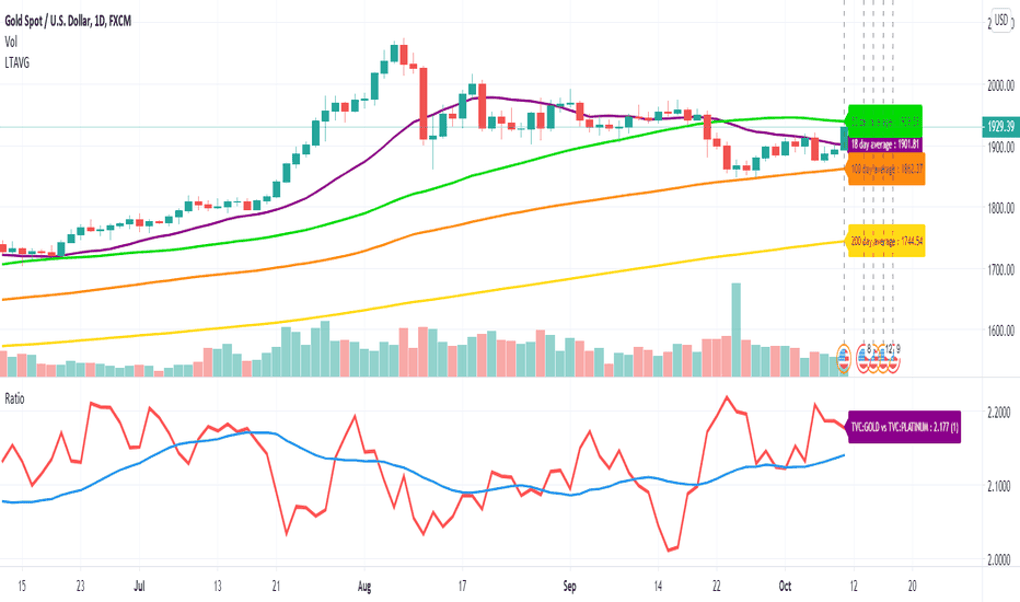
A comprehensive solution for market analysis
TradingView is a powerful market analysis platform designed for traders and investors of all levels. It provides a comprehensive suite of tools and features to analyze financial markets, track a wide range of assets—from stocks and Forex to cryptocurrencies and commodities—and make informed trading decisions. One of its standout attributes is the real-time data streaming from global exchanges, ensuring users remain up-to-date on market movements, which is crucial for successful trading.
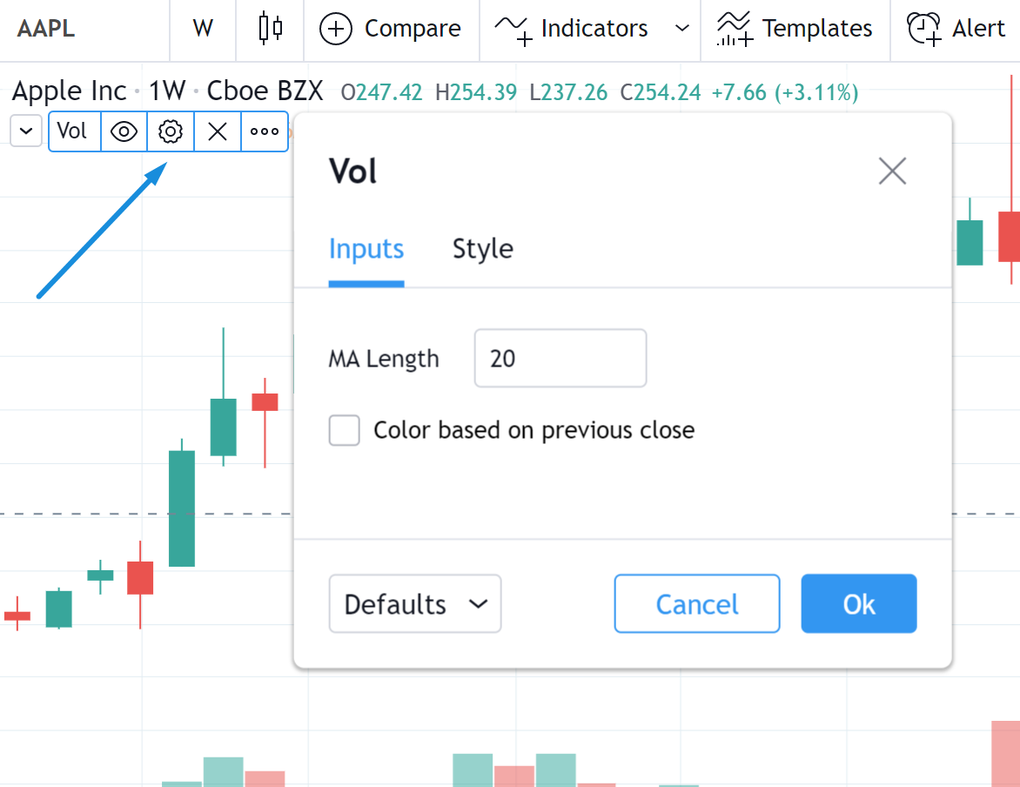
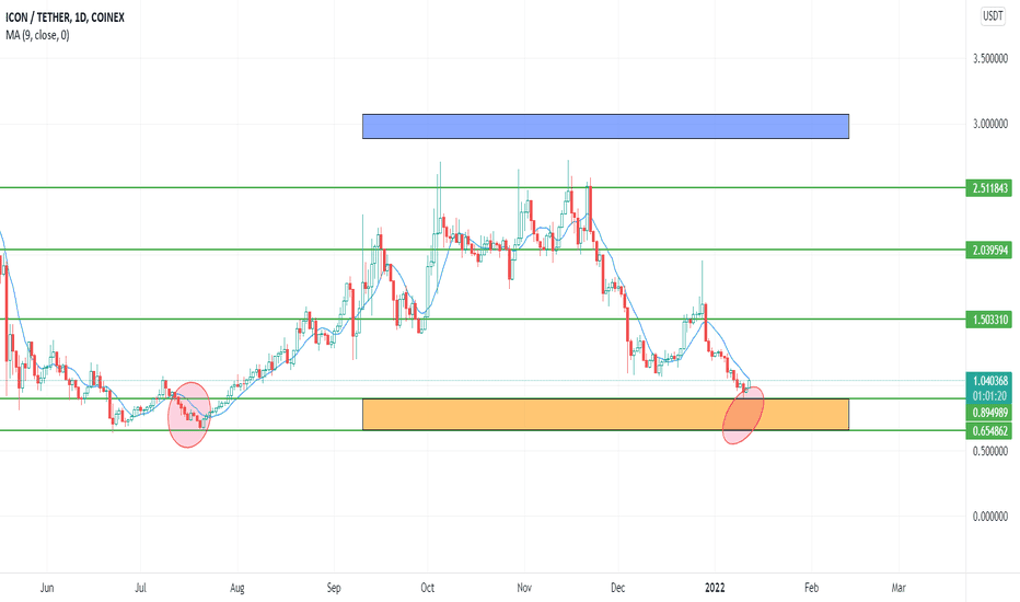
TradingView boasts an extensive array of advanced charting tools, including hundreds of technical indicators, drawing tools, and customizable chart layouts. This enables users to perform detailed technical analysis directly on the charts, making the platform versatile for various trading strategies. The flexibility in charting capabilities is particularly beneficial for both novice and experienced traders, allowing for a tailored analysis experience.
Advanced charting tools for deep analysis
Moreover, the platform features an impressive market coverage, encompassing stocks, forex, cryptocurrencies, futures, indices, bonds, and ETFs from around the globe. This extensive integration allows traders to seamlessly switch between different asset classes for a diversified trading experience. The real-time data streaming capability ensures that users can react to market changes instantaneously, and customizable alerts based on price levels or indicator values further enhance trading strategies.
User-friendly interface
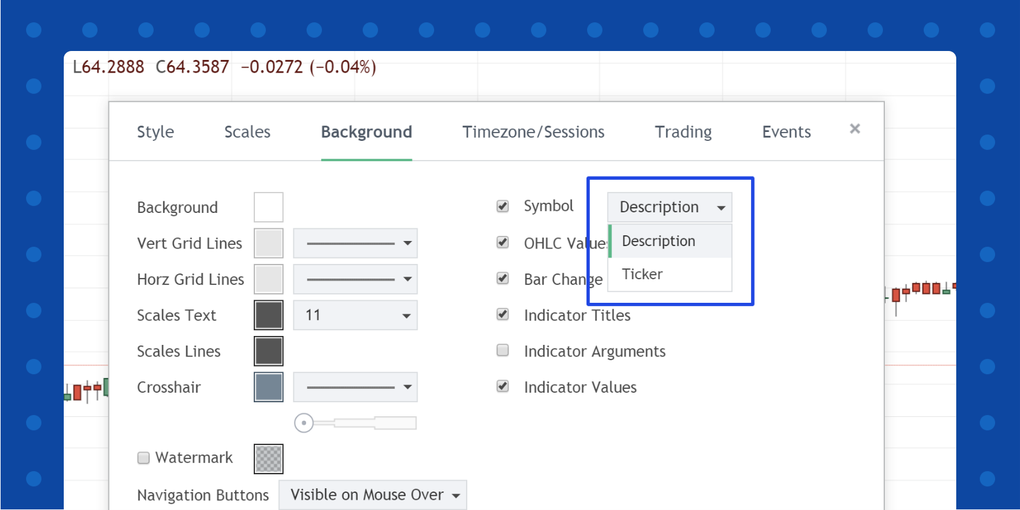
TradingView boasts an intuitive layout that is particularly appealing to both beginners and experienced traders. The application allows users to flexibly organize their workspace by rearranging charts, indicators, and drawing tools to suit individual preferences. This customization makes it simple to build a personalized trading environment. Users can choose from an extensive array of chart customization options, including various chart types, timeframes, and indicators, enhancing the overall user experience.
Community engagement and shared insights
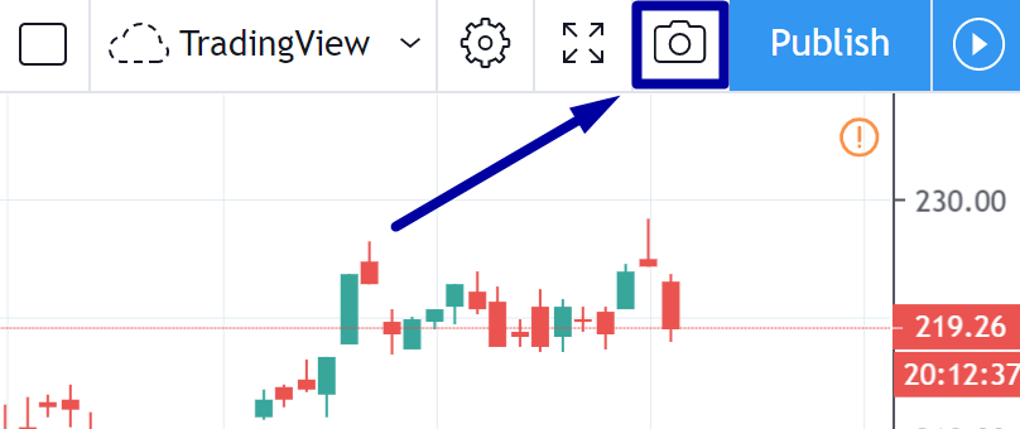
The vibrant social community within TradingView allows traders to connect, share ideas, discuss market trends, and learn from one another. Users can publish their trading ideas and charts, thereby fostering a collaborative environment where various perspectives and strategies are exchanged. This aspect enhances the learning experience and promotes collaboration among users.
The ability to follow other traders enhances personalization of content, creating tailored feeds of market analysis and trading ideas. Users can also share the assets they’re monitoring through published ideas and strategies, offering insight into their market focus This community-driven model enriches the trading experience and provides valuable insights into market psychology.
Key strengths and areas for improvement
TradingView stands out in the crowded landscape of trading platforms due to its exceptional charting capabilities and a robust community of traders contributing valuable insights. While it’s not built for highly complex algorithmic systems, the application supports scripting, alerts, and basic automation, along with customizable backtesting features.
Pros
- Offers real-time market data access
- Large community for idea sharing
- Wide range of charting tools
Cons
- Not ideal for complex algorithmic trading







