
Embracing the future of remote connectivity
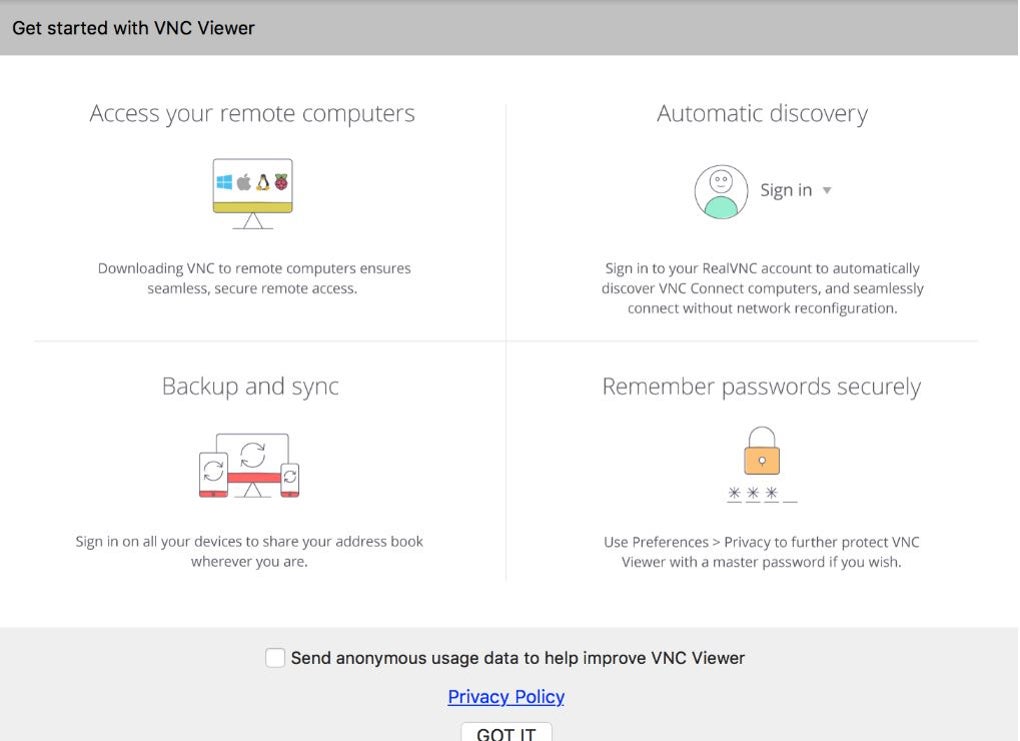
RealVNC Viewer, a familiar name in remote access, is evolving into the more comprehensive RealVNC Connect Version 8.1. This new iteration unifies this application and RealVNC Server into a single, streamlined application, promising a significantly improved user experience. It represents a forward leap in remote control technology.
RealVNC Viewer’s transition to RealVNC Connect 8.1 brings a completely redesigned interface and a suite of new features, aiming to provide the best remote access experience to date. Users are encouraged to download this updated version to explore its capabilities firsthand, ensuring they benefit from the latest advancements. It’s free for personal use.
RealVNC Connect 8.1 elevates remote access with robust security features, including full end-to-end session encryption, ensuring your data remains private and secure during every connection. It also introduces advanced multi-factor authentication, adding an extra layer of protection against unauthorized access. These security enhancements are crucial for safeguarding sensitive information and maintaining operational integrity in any remote environment, making it secure in any way possible.
Unifying features for superior and seamless control
The new unified application supports both Cloud and Direct (LAN) connectivity, offering flexible options for connecting to remote machines regardless of network configuration. Furthermore, it provides granular access and user permission control, allowing administrators to precisely define who can access what, enhancing security and operational efficiency. This level of control is vital for managing diverse user groups and maintaining system integrity.
Beyond core connectivity, this program integrates powerful productivity tools. Users can benefit from remote printing, enabling remote document printing. The inclusion of real-time chat facilitates immediate communication between users, and file-sharing capabilities streamline the transfer of documents and resources. One aspect to consider is that users of the standalone RealVNC Viewer will need to switch to this new unified application to access these advanced features.
Pros
- Unified Viewer and Server application
- Full end-to-end session encryption
- Advanced multi-factor authentication
- Remote printing, chat, and file sharing
Cons
- Requires switching from RealVNC Viewer







