

Control RouterOS easily
WinBox is a free Windows-based configuration utility developed by MikroTik for administering RouterOS devices through a graphical management interface. Distributed as a small executable, it runs natively on Windows and can potentially operate on Linux or macOS using Wine.
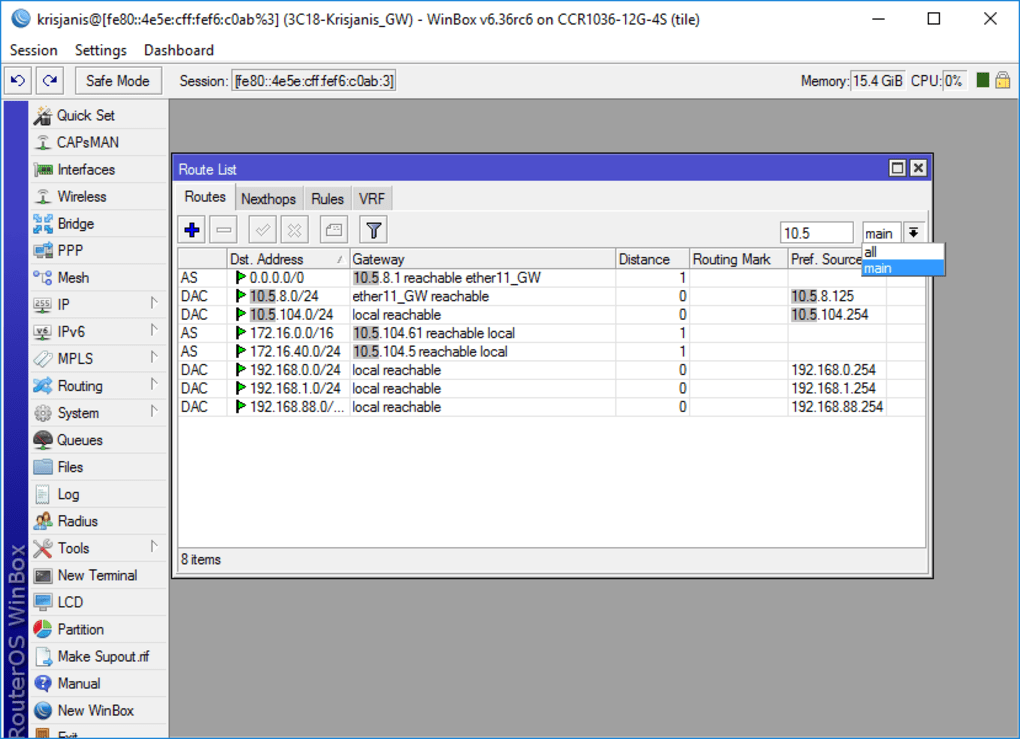
WinBox establishes connections to RouterOS systems using IP or MAC addresses, with neighbor discovery supporting device identification on a local network. The loader presents connection fields, and once authenticated, it opens a multi-document interface environment. Its functionality mirrors RouterOS command sets, enabling configuration of system modules, routing, firewall rules, and other core services, while preserving command-level structure in graphical form.
WinBox initiates operations through its loader module, which supports IP and MAC address connections. The neighbor discovery function scans for RouterOS devices and lists them with associated identifiers for selection. Connection authentication is handled using stored RouterOS credentials, with optional port specification. Once active, it interprets RouterOS functions and presents them through GUI modules. This structure enables technical tasks such as editing routing tables, assigning interfaces, or configuring firewall rules.
Fast access
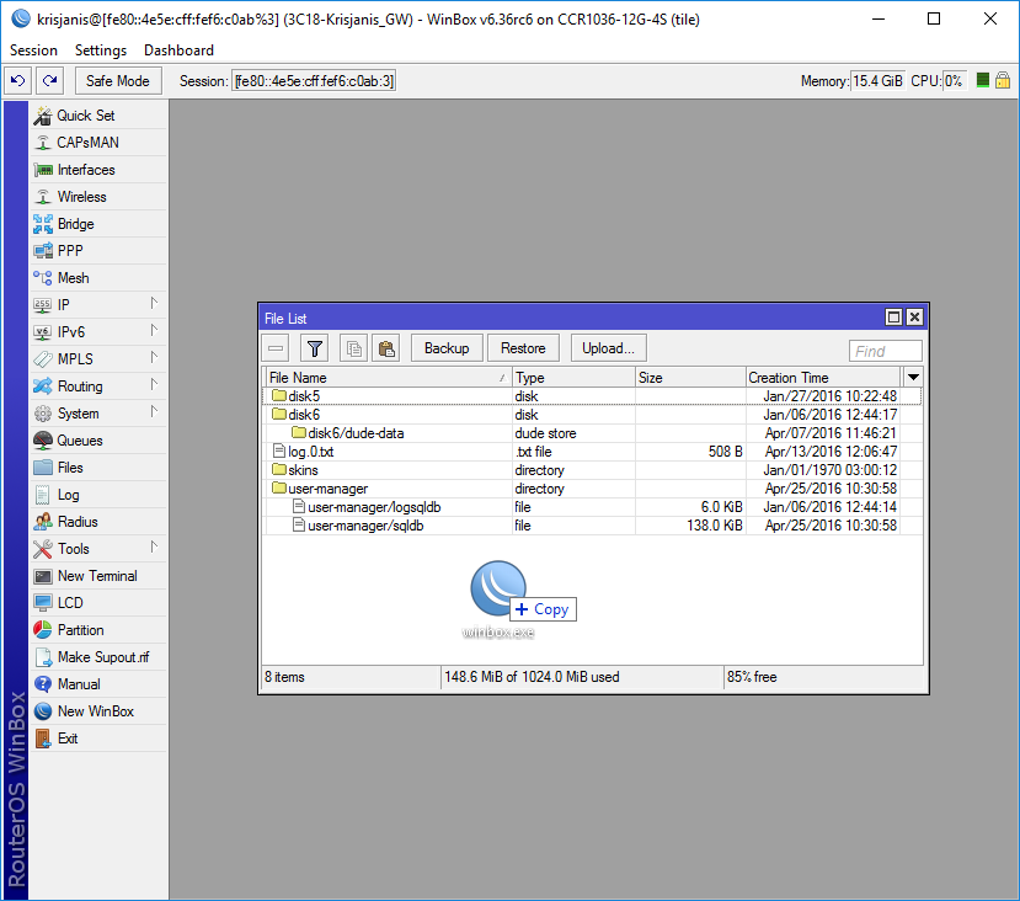
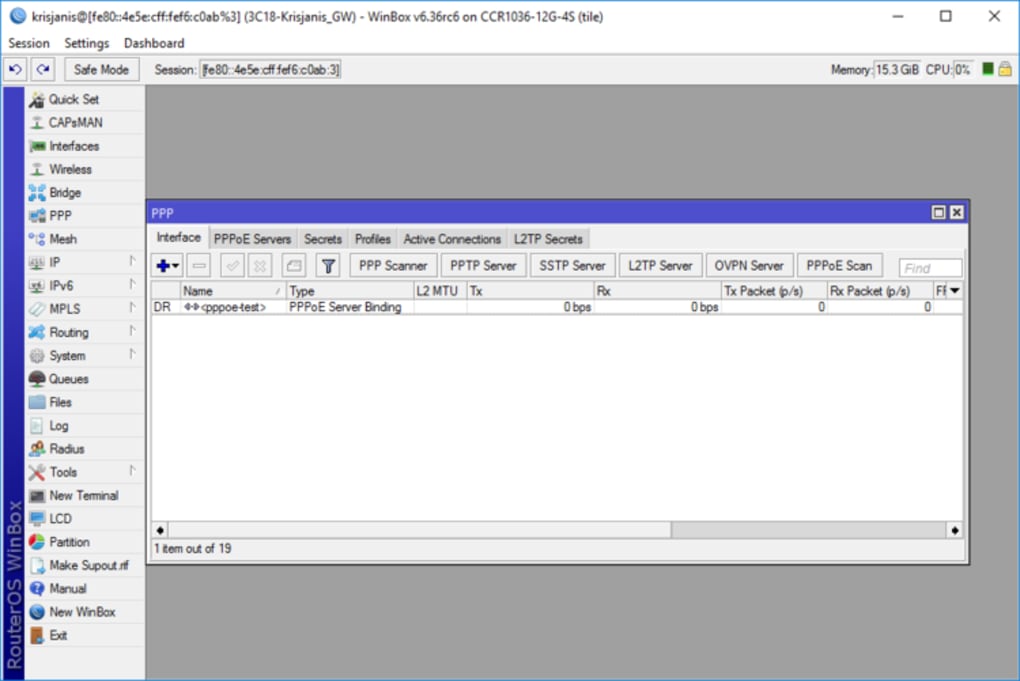
The interface operates as a multi-document environment, where each RouterOS module opens in a separate dialog within the workspace. A persistent navigation menu on the left lists modules such as Interfaces, IP, Routing, Bridge, Firewall, and Tools. Dialog windows display configuration fields, tables, and parameter selectors corresponding to each subsystem. The environment supports simultaneous dialogs, enabling different configuration modules to remain active. However, it requires RouterOS for functionality.
Selecting a menu item triggers a request that loads associated configuration data into editable fields. Changing a parameter, such as an IP binding or firewall filter, generates the equivalent RouterOS command, which is executed on the device when Apply or OK is pressed. Security measures include encrypted sessions using ECSRP and AES128-CBC-SHA, with certificate validation in newer versions. RoMON connectivity requires matching agent versions for successful tunneling.
Pros
- Supports IP and MAC connections
- Includes neighbor discovery scanning
- Multi-document interface for modules
- Encrypted sessions with ECSRP and AES128
Cons
- Requires RouterOS for functionality






