

Schedule computer shutdowns without extra effort
Wise Auto Shutdown is a free Windows utility that automates routine power tasks, including shutting down, restarting, sleeping, hibernating, logging off, and locking a computer. It helps prevent computers running unnecessarily after work or other activities. Its simple scheduling controls make managing computer power more convenient without complicated settings.
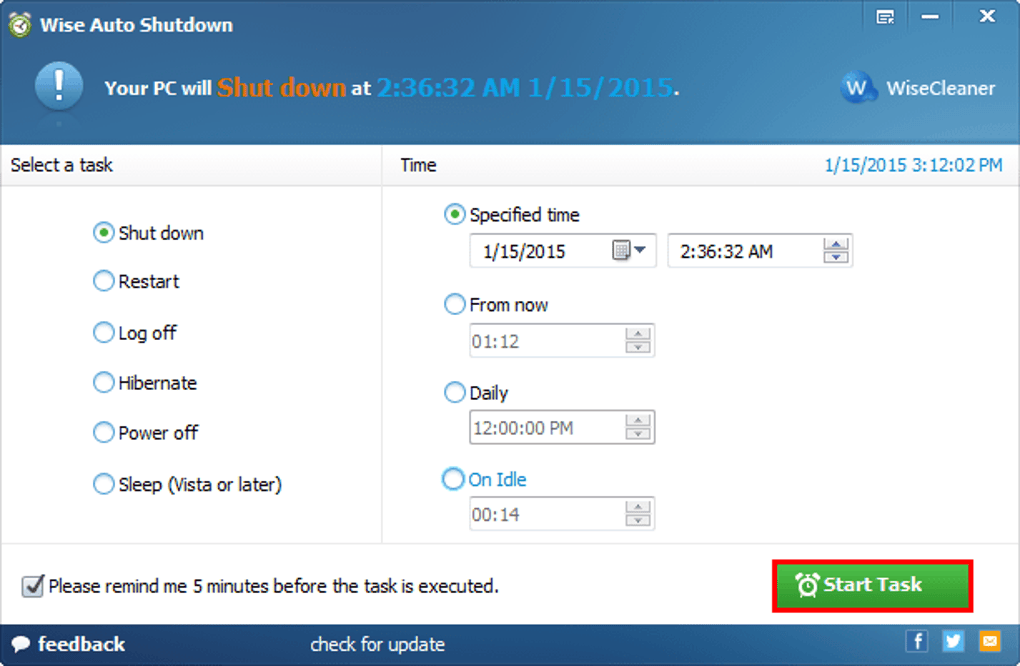
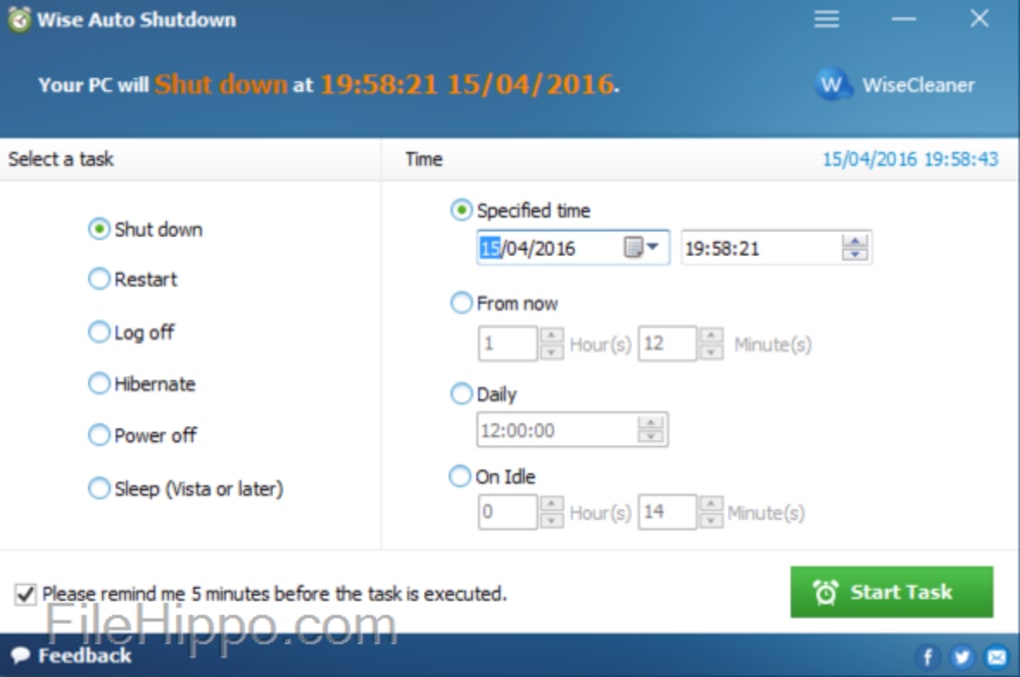
Wise Auto Shutdown lets users schedule actions at specific times, on selected dates, daily, or after a countdown. It can run quietly in the system tray and display reminders before completing tasks. Users may postpone scheduled actions when they need more time to finish their work, making it practical for use.
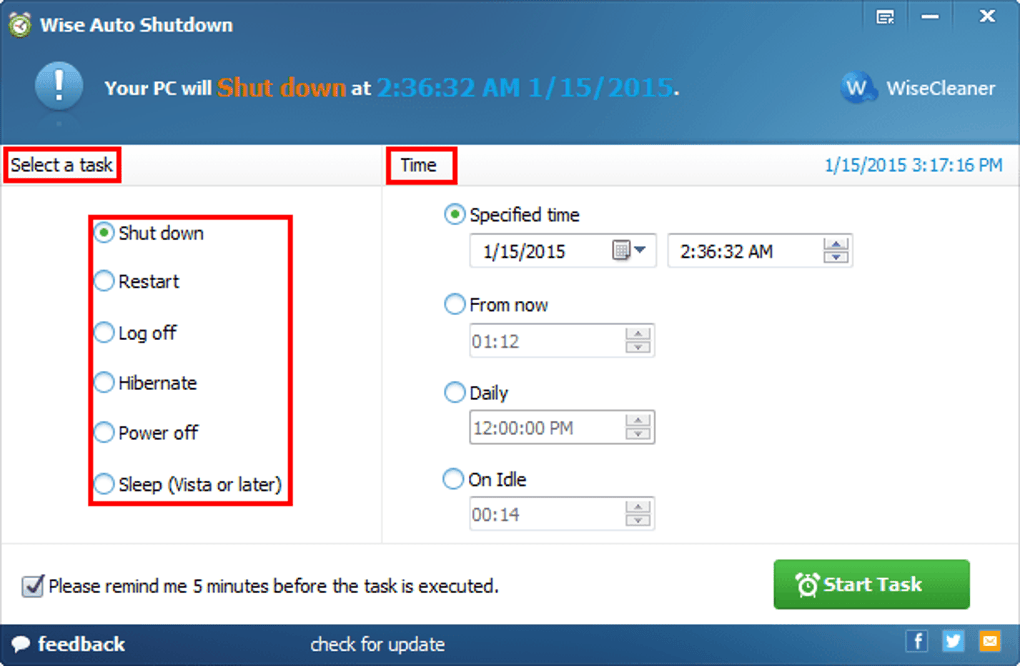
Wise Auto Shutdown supports scheduled shutdowns, restarts, sleep, hibernation, logoffs, and screen locking from one straightforward interface. Users choose an action, then set a specific time, date, countdown, or repeating schedule. These options can help reduce unnecessary computer uptime after lengthy downloads or unattended tasks. However, setting an inappropriate shutdown schedule could interrupt important work, so users should review each task before enabling it carefully.
Flexible scheduling and automatic power controls
A five-minute reminder appears before a scheduled action, giving users an opportunity to cancel or delay it. Postponement options range from ten minutes to several hours, providing flexibility when work takes longer than expected. After setup, the application stays in the system tray and uses relatively few resources. Its uncomplicated layout suits beginners, although it offers fewer automation options than the built-in Windows Task Scheduler.
Recent improvements include process exceptions, which can delay or cancel scheduled actions when selected programs are running. Repeating schedules also support recurring maintenance tasks, reducing the need to configure the same action repeatedly. These controls provide useful safeguards, but users should still save open documents before shutdown or restart. The software focuses on power management rather than broader system automation, so complex workflows may require another tool.
Pros
- Completely free to use
- Supports several automatic power actions
- Offers flexible and recurring schedules
- Includes reminders and postponement options
Cons
- Limited to Windows computers
- Incorrect schedules may interrupt unfinished work
- Offers fewer options than advanced automation utilities
- Requires careful configuration for unattended tasks







