

User-friendly video editing made simple
Filmora Video Editor by Wondershare offers a balanced approach to video editing, combining an accessible design with a feature set broad enough to satisfy most creative needs. It’s especially appealing to beginners who want to get started quickly, yet still capable of producing polished results without demanding a steep learning curve.
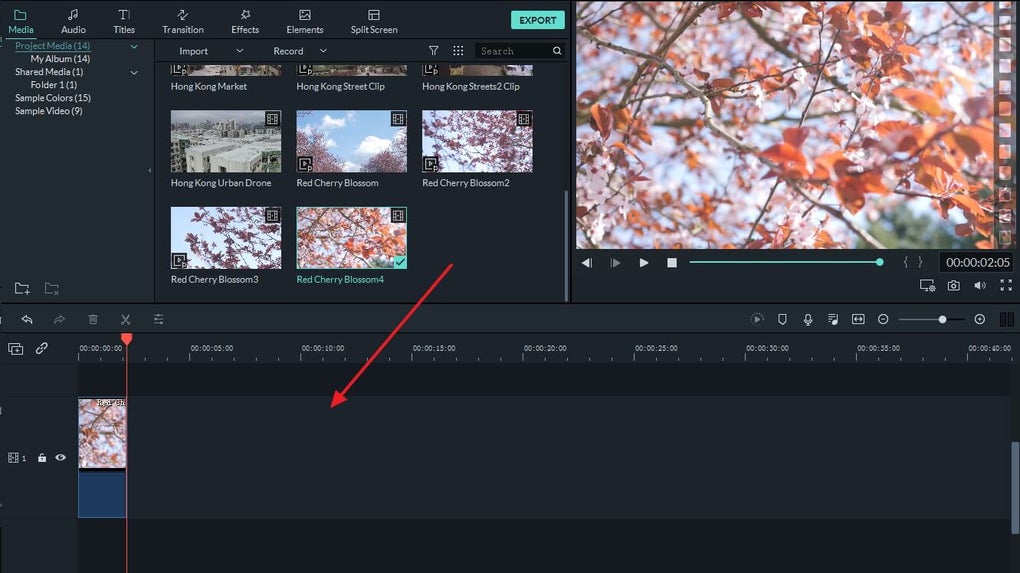
The interface emphasizes clarity, with drag-and-drop tools for trimming, cropping, and merging clips. Built-in effects, transitions, titles, and a stock library of music and sounds encourage creativity without overwhelming users with technical complexity. Compared to professional suites such as Adobe Premiere Pro, Filmora is less advanced but much more approachable, making it a good fit for hobbyists, students, and content creators who value simplicity.
Accessible editing with creative flexibility
Filmora also includes useful features such as customizable subtitles, multiple audio tracks, and the option to import media directly from mobile devices. It runs on both Windows and macOS, though projects aren’t synced automatically between platforms. The free trial lets users explore the editor but adds a watermark to all exports, with subscriptions unlocking full functionality and additional content through Filmstock. Extensive tutorials and community support further help newcomers learn the software quickly.
Pros
- Intuitive drag-and-drop interface
- Rich library of effects, transitions, and music
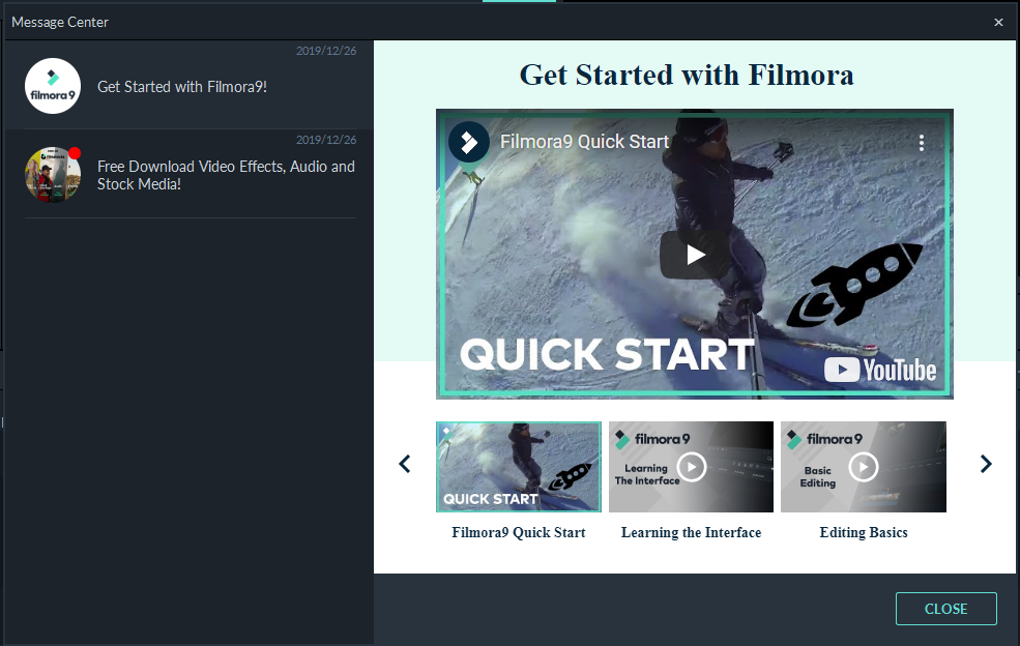
- Strong tutorial and community support
- Cross-platform availability (Windows and Mac)
Cons
- Watermark on exports in the free trial
- No automatic cross-platform project sync
- Fewer advanced features than pro-level editors






