

Manage media conversion easily
Adobe Media Encoder is a dedicated media processing and rendering application that runs on Windows and macOS. It is structured to handle ingest, transcoding, proxy creation, and final output tasks across a wide range of video and audio formats. It also integrates with Premiere Pro and After Effects via a shared rendering pipeline and queue.
Adobe Media Encoder supports format-specific presets, custom encoding profiles, and automated batch processing. It operates as a standalone application but synchronizes with project data and compositions sent from other Adobe tools. Its primary function focuses on managing media conversion and optimizing assets for various outputs.
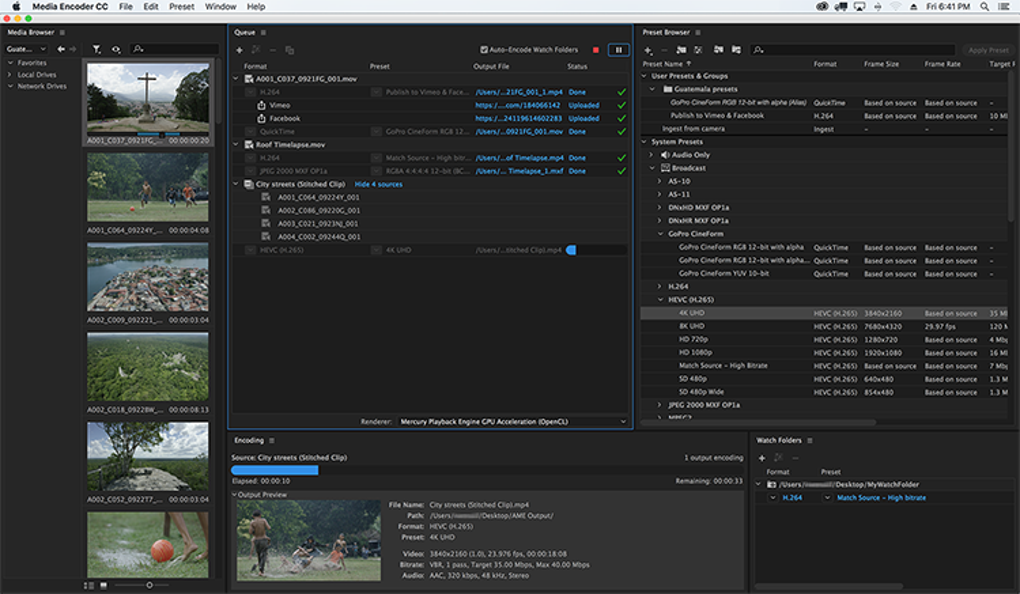
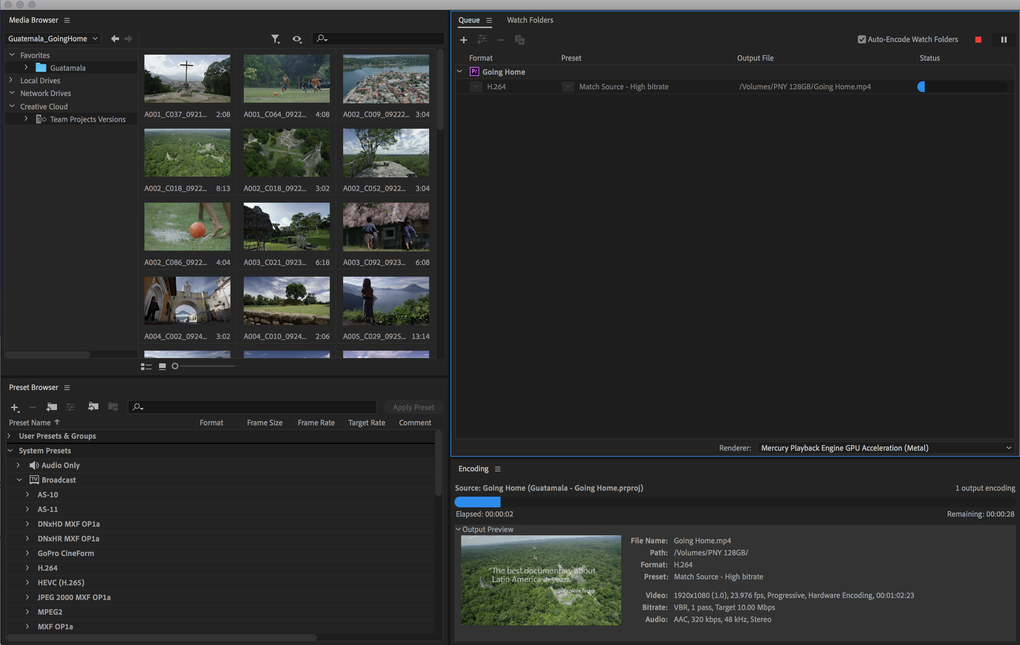
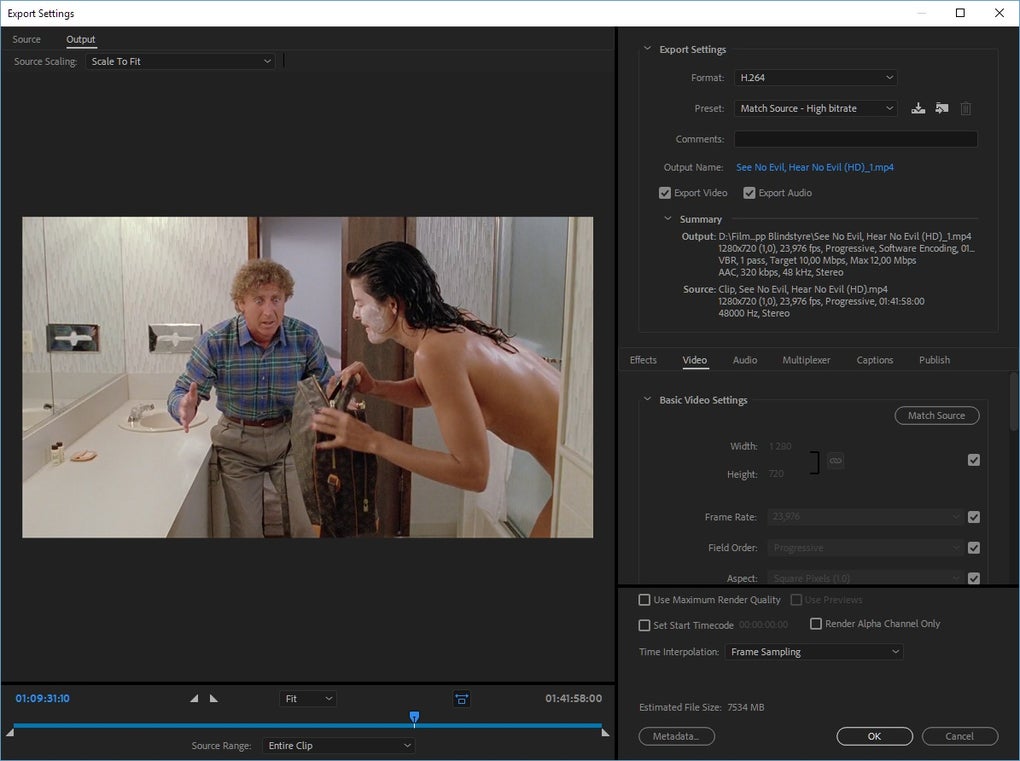
Adobe Media Encoder supports numerous container formats, codecs, and color spaces through a modular encoding engine. Format conversion uses a render queue where each job assigns unique codec parameters, dimensions, and metadata settings. Also, leverages compatible hardware for GPU acceleration, distributing tasks to available resources. Profile presets can store repeatable encoding parameters for consistent output. However, performance varies under heavy queue loads, and GPU acceleration is dependent on hardware compatibility.
Asset adjust
Automated workflows operate through Watch Folders, where monitored directories trigger encoding jobs when new files are added. Destination Publishing routes final outputs to designated export locations or platform endpoints. Proxy creation generates lower-resolution media for editing environments, with metadata linking preserved to restore full-resolution sources during final rendering. It also reduces repeated configuration by assigning encoding rules to folders and presets, ensuring consistent output across assets and stages.
It includes integrated processing tools for LUT application, gamma handling, broadcast loudness normalization, and sample rate adjustments. Time Tuner algorithmically adjusts asset duration by redistributing frames/samples without external timeline edits. Audio and image transformations are executed during encoding, meaning the source timeline or composition remains unchanged. These modifications operate within the render pipeline and can be combined with format changes and proxy workflows as needed.
Pros
- Queue-based batch processing
- Wide codec and container support
- Proxy generation with metadata linking
- Automated Watch Folder workflow structure
Cons
- GPU acceleration dependent on hardware compatibility
- Performance varies under heavy queue loads







