
A comprehensive editing solution for professionals and hobbyists
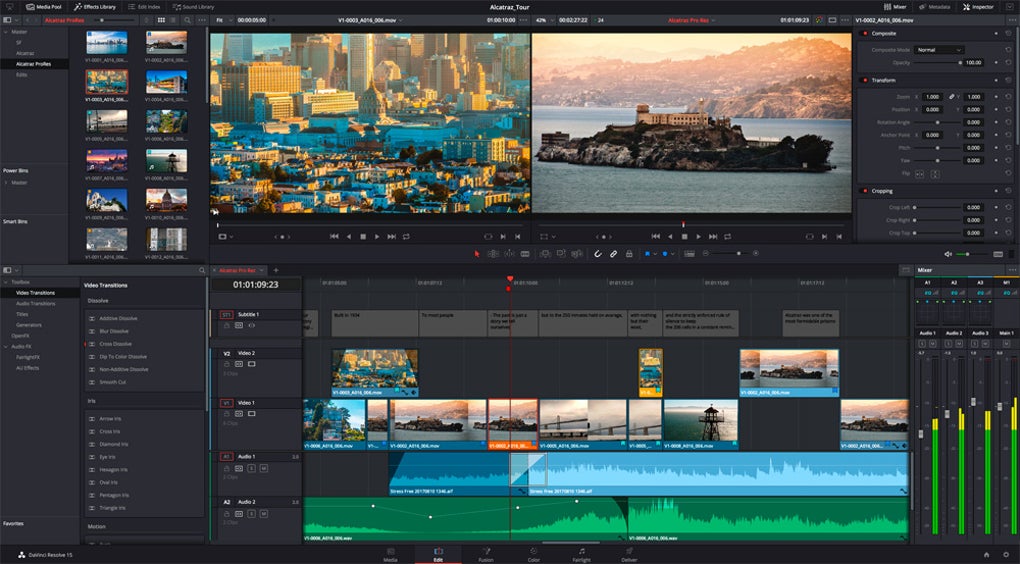
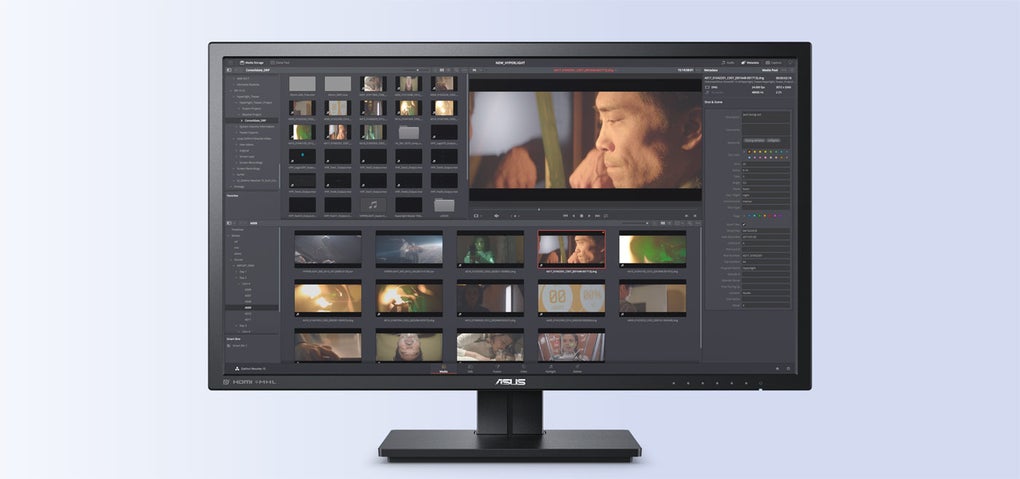
DaVinci Resolve stands out as a leading video editing software, offering a robust suite of professional-grade tools designed for both beginners and advanced users. Its advanced features include multicam editing, trimming, keyframing, and a vast selection of transitions and effects, making it versatile for a variety of projects. With its attention to performance, the software uses GPU acceleration to optimize editing, even with high-resolution formats beyond 4K.
One of DaVinci Resolve’s standout functionalities is its color correction capabilities. It features industry-standard grading tools that empower users to engage in high-level color adjustments through controls for lift, gamma, gain, and offset. Users can explore primary and secondary grading options, utilize power windows, and apply tracking qualifiers. Equally, it supports HDR workflows and a variety of RAW formats, creating high-quality visuals.
Unmatched color grading capabilities
It can feel overwhelming at first, especially if you're new to video editing, but with time and practice, it becomes much easier to navigate. Additionally, it is essential to note that some features necessitate the advanced DaVinci Resolve Studio license. So, if you’re working on larger projects or as part of a team, the upgrade is well worth it for the extra tools and flexibility it brings to your workflow.
Integrated audio post-production
DaVinci Resolve excels not only in video editing but also in audio management, thanks to its Fairlight tools. This integrated audio suite features multitrack editing, mixing, and mastering capabilities designed for professional sound design. Users can apply a range of effects, including EQ, compression, and reverb, ensuring that audio integrates seamlessly with video. The software’s ability to handle immersive 3D audio formats further solidifies its comprehensive approach, allowing sound designers to achieve high-quality audio results.
Another impressive aspect of Fairlight is how intuitive it makes voice-over and multitrack recording. Whether you’re laying down a quick narration or capturing a full ensemble performance, the process is straightforward and surprisingly smooth. The ability to manage all this within the timeline without leaving the Fairlight page streamlines audio work in a way that’s both efficient and satisfying for editors at any level.
Collaboration made easy
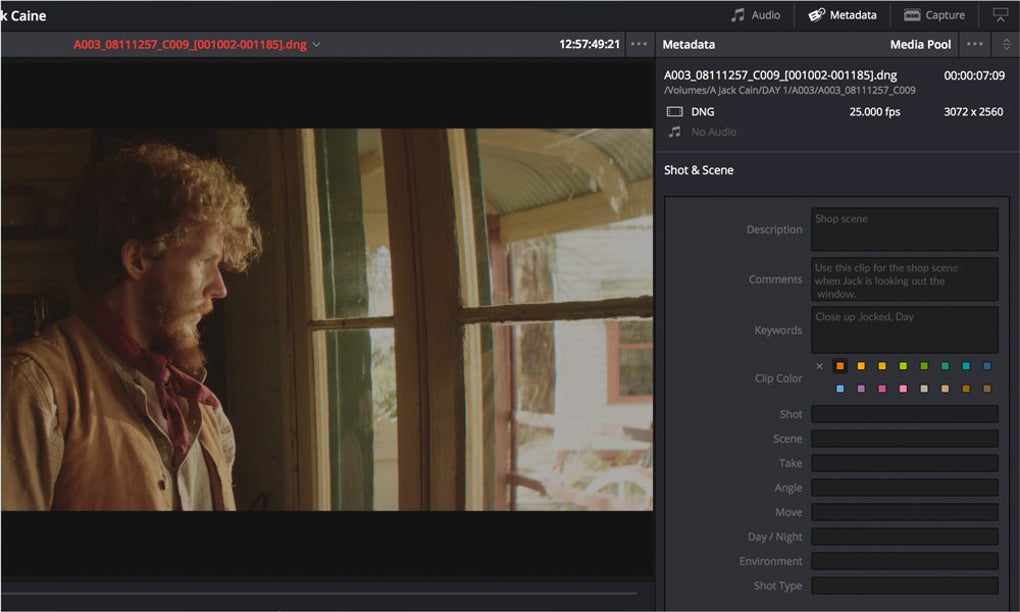
DaVinci Resolve also introduces features that facilitate multi-user collaboration. With shared project databases, simultaneous editing, and bin locking, teams can work together in real time. This collaborative function is especially helpful for teams managing large projects. By streamlining teamwork, this tool helps creative teams stay in sync and keep projects moving smoothly from start to finish.
Pros
- Free version available
- Real-time team collaboration support
- Powerful built-in audio suite
- Professional-grade color correction tools
Cons
- Steeper learning curve for beginners







