Flexible and free mouse customization tool
FX-Mouse Button Control offers a smart way to boost your workflow by reassigning mouse buttons for different apps. As a utilities and productivity tool, it’s especially helpful for users who want to create custom input profiles that match how they work or game. Whether for daily tasks or niche software use, this app delivers versatile performance.
FX-Mouse Button Control is a lightweight, highly configurable utility that allows users to assign layered commands, tweak scrolling behavior, and automate clicks. While its depth may overwhelm casual users, it’s a powerful tool for tinkerers and power users seeking advanced mouse customization.
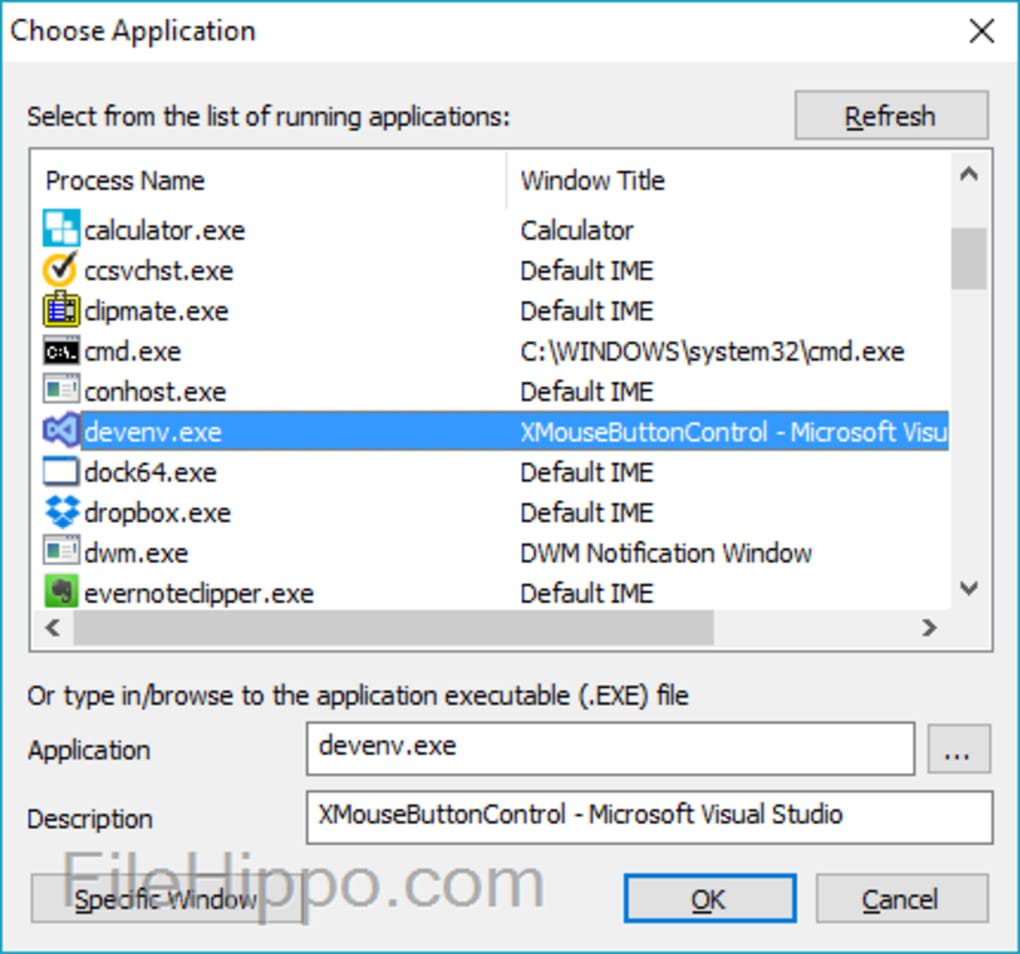
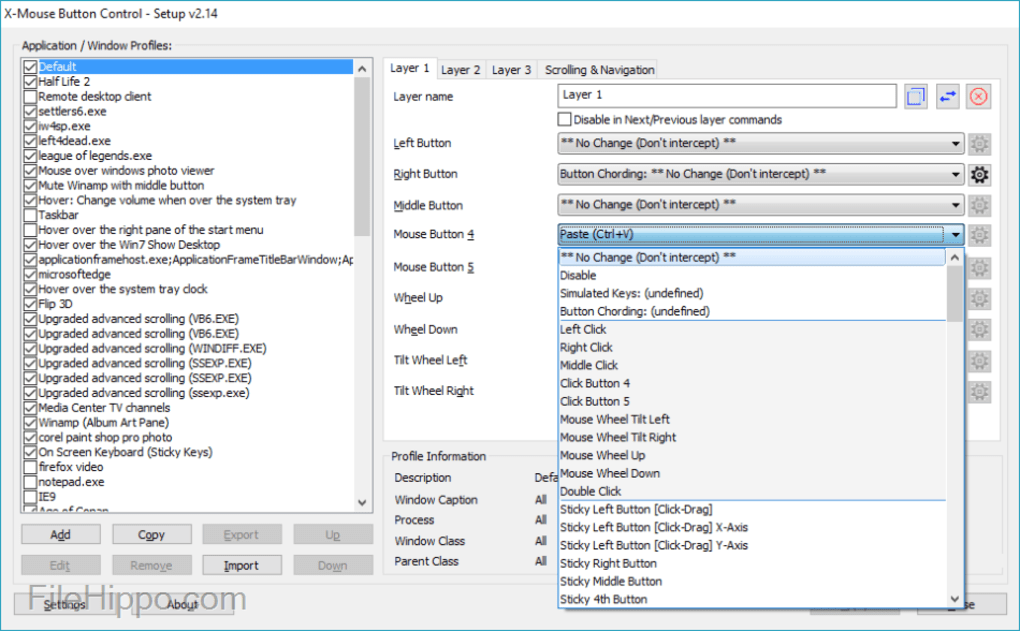
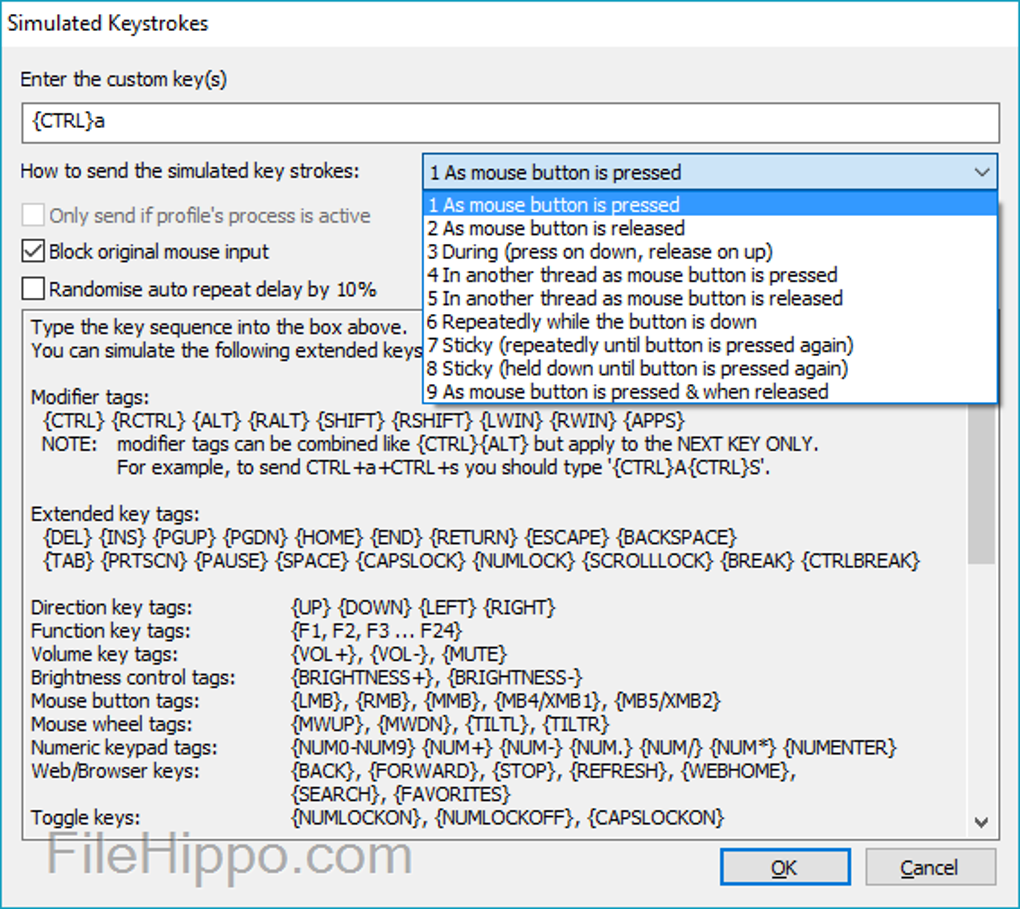
The program provides advanced button mapping, letting users assign hotkeys, macros, and application-specific controls. Whether you're customizing shortcuts for creative tools or setting profiles for different games, this flexibility sets the utility apart. There’s also support for layer switching, allowing multiple commands per button. However, it may take time to understand all the features due to its technical interface and lack of built-in tutorials.
Custom input control for power users
Setup is relatively straightforward, but unlocking the tool’s full capabilities often involves a bit of trial and error. The interface leans more functional than friendly, and its somewhat dated design may feel overwhelming to new users. However, those who stick with it will discover a highly capable utility. You can save, export, and switch profiles quickly, ideal for multitaskers or multi-device setups.
FX-Mouse Button Control runs smoothly in the background with virtually no impact on system performance. It executes macros and switches profiles with consistent reliability, even under heavy multitasking. While the interface lacks modern polish, the tool proves to be stable, lightweight, and impressively efficient. Users expecting a sleek UI may be disappointed, but its raw performance and utility are what truly set it apart.
Pros
- Advanced button mapping
- Lightweight and stable
- Supports layered commands
Cons
- Dated interface
- Steep learning curve