

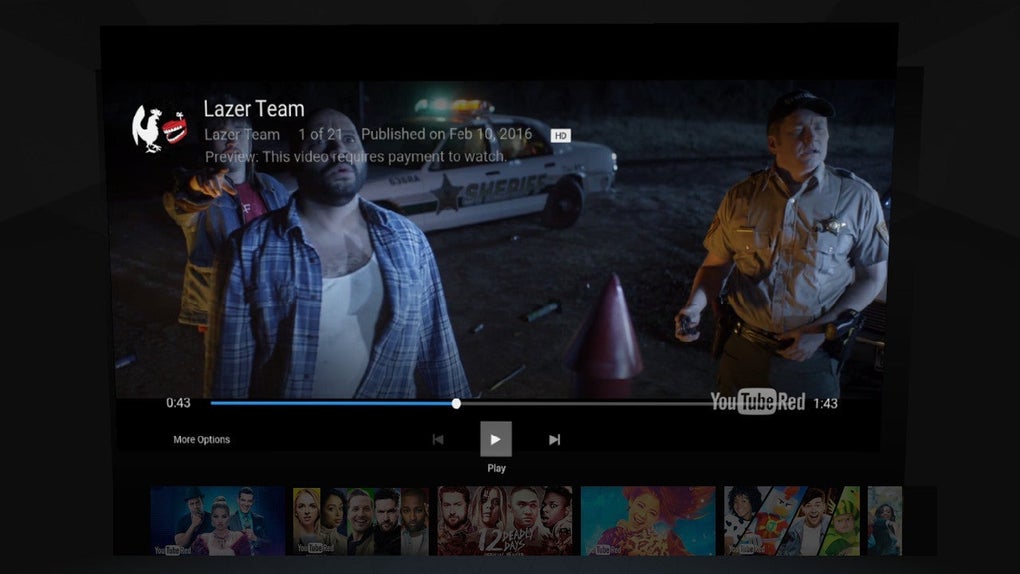
Experience YouTube in immersive virtual reality
YouTube VR is a virtual reality app that allows users to watch YouTube videos in a fully immersive 3D environment. It provides an interactive viewing experience where videos can be explored on a virtual big screen or within 360-degree spaces. Users can enjoy a new way to experience content beyond traditional screens.
The program supports multiple VR headsets, including Meta Quest and others. YouTube VR seamlessly connects with the standard YouTube platform, offering full access to videos, playlists, and channels. Whether exploring destinations, watching concerts, or viewing 360° documentaries, it enhances immersion, visual engagement, and the overall viewing experience.
YouTube VR transforms ordinary videos into immersive experiences. Users can watch 360° and 3D videos, explore virtual spaces, or view standard videos on a massive virtual screen. The app’s intuitive interface allows easy navigation, voice search, and personalized recommendations. However, it requires a VR headset to use, which can be inconvenient and limits accessibility for users who don’t own compatible virtual reality devices.
Immersive viewing and interactive experience
The platform supports both seated and standing modes, ensuring comfort during extended viewing sessions. It works well with devices like Meta Quest 2 and Valve Index, offering solid performance and spatial audio for added realism. However, limited social interaction features reduce engagement, some non-VR videos appear flat or stretched, and occasional performance drops on weaker devices can affect the overall viewing experience.
Alternatives include apps like Oculus TV, Bigscreen VR, and Viveport Video. These platforms also provide virtual reality video playback, but may lack YouTube’s extensive content library and large global community. However, some alternatives offer enhanced social interaction, customizable environments, and collaborative viewing options, making them attractive to users who prefer shared, engaging, and interactive entertainment experiences within the growing virtual reality landscape.
Pros
- Access to YouTube’s full video library
- Supports 360° and 3D content
- Simple and familiar interface
- Works with multiple VR headsets
Cons
- Requires a VR headset to use
- Limited social interaction features
- Occasional performance drops on weaker devices
- Some non-VR videos may appear flat or stretched







